A dedicated server firewall is a security system that monitors and filters incoming and outgoing traffic according to certain rules and prevents unwanted traffic from penetrating the system. To configure a dedicated server firewall, one should deny all traffic by default and allow only the traffic that is necessary for the system to operate, for example, the Secure Shell (SSH) or Hyper Text Transfer Protocol (HTTP) or Hyper Text Transfer Protocol Secure (HTTPS) traffic.
Introduction
When you upgrade from a shared hosting plan to a dedicated server, you take on greater responsibility for your hosting environment. A dedicated server lacks the convenience of a shared hosting plan, and you must secure your server yourself. This is why having a dedicated server firewall is an important part of ensuring the security of your server. In this blog, you will learn what a dedicated server firewall is, and you will also learn how to configure a firewall for a Linux dedicated server or Windows dedicated server.
What is a Dedicated Server Firewall?
A dedicated server firewall is a security system that monitors and controls all traffic in and out of your server. A firewall can be implemented as both software and/or hardware. Unlike shared hosting plans, you have full control over the rules on your dedicated server. A firewall’s rules specify which traffic to allow or deny.
Types of Dedicated Server Firewall
There are several types of firewalls:
Software firewalls
Software firewalls can be applied at an operating system level, such as iptables, nftables, UFW, or firewall for Linux, or Windows Firewall for Windows Server.
Hardware firewall
Hardware or network layer firewalls are usually implemented at a data center level. These firewalls filter traffic at a network level before it reaches your server.
Web application firewall
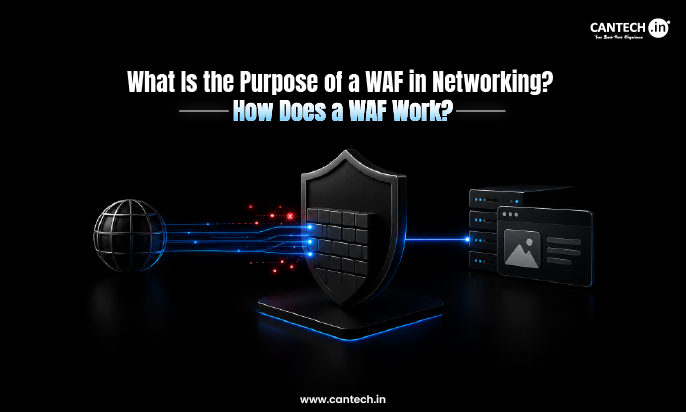
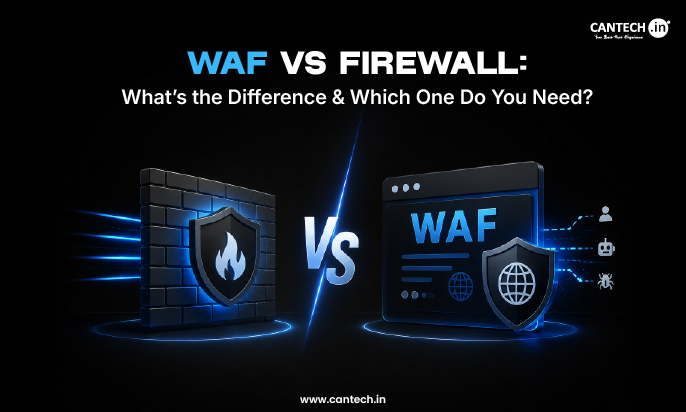
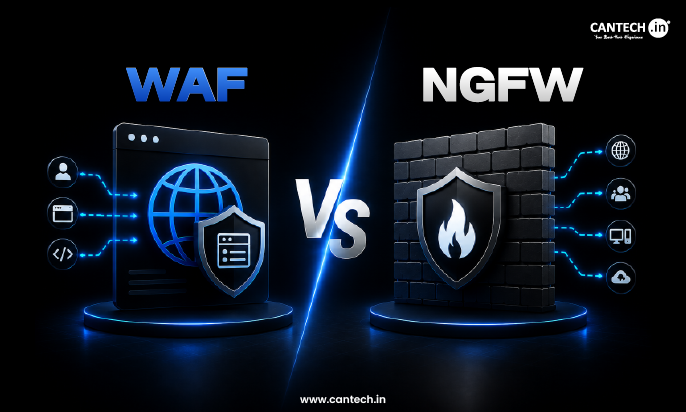
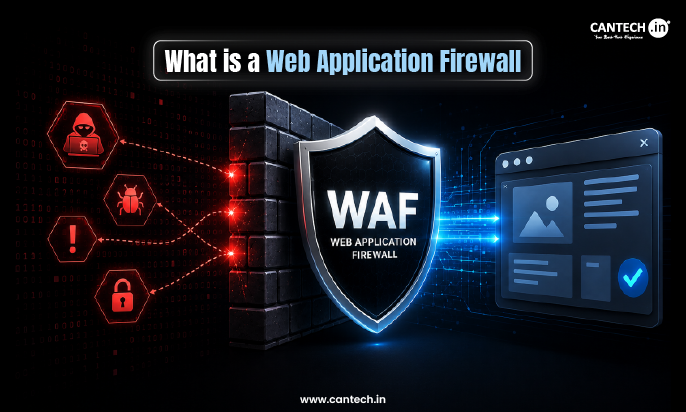
Web application firewalls, also known as WAF firewalls, filter web traffic directed at websites and web applications hosted on your server.
Typically, a dedicated server firewall setup will involve more than just one type of firewall. It is common to have multiple types of firewalls working together to secure a dedicated server. Most secure dedicated server environments will have a network-layer firewall to filter out unwanted traffic before it reaches the server, a host-level firewall to filter traffic based on specific rules, and a WAF, if web applications are hosted on the server.
Why You Need a Firewall for a Dedicated Server
A dedicated server is a server that has its own public IP address. Any server that is accessible over the internet is vulnerable to attacks. Without a firewall, your server’s ports are exposed to attacks over the internet, and malicious actors frequently scan IP addresses for vulnerable ports to attack. Having a server firewall provides several advantages, including:
Reduced attack surface
By blocking all traffic except for the ports that you allow, you reduce the amount of ways that a hacker can gain access to your server.
Protection from unauthorized access
By blocking unwanted traffic before it reaches your server, you protect your operating system or applications from unauthorized access attempts.
Compliance with standard security practices
Many regulatory standards, such as GDPR and HIPAA, require that companies have policies in place to restrict access to their systems. A firewall allows you to document and audit your network security, helping you comply with these standards.
Increased performance
By denying traffic to your server that you do not want, you reduce the amount of unnecessary traffic that needs to be processed. This can help improve your server performance.
How to Configure a Firewall on a Dedicated server
Setting up a firewall is simple. All you have to do is just follow some simple steps that I am going to give below:
1. Tools Available on Your Dedicated Server
Most servers come with some firewall tool that usually ships with the OS. On Linux, we usually have Iptables, firewalld, or UFW. On Windows, we have the Windows Firewall.
2. Configure Your Firewall’s Rules
On your server, you need to configure which traffic is to be allowed or denied. What you should do is to allow web traffic on port 80 and 443, and SSH traffic on port 22 or any other custom port you set up. You should also deny all other traffic apart from the allowed traffic.
3. Activate or Deactivate the Firewall Rules
After setting up the rules, you need to activate them so that your server can start protecting the system. The activation step enables your firewall rules so that they take effect.
4. Monitor and Update Your Rules
The last thing you should do is keep monitoring your firewall logs and update your rules as needed. It is also essential to ensure your firewall tool is updated with the latest features and patches.
Conclusion
A firewall is a mandatory component of any infrastructure hosted on a dedicated server. However, configuring, maintaining, and optimizing the firewall rules, and analyzing the logs requires a competent system administrator. Most organizations, however, are not equipped to manage these tasks in-house.
Managed dedicated servers from Cantech offer enterprise-grade security, including optimized firewall ruleset, network monitoring and intrusion detection, and protection against DDoS attacks. Additionally, our engineers provide round-the-clock support and assistance with any firewall-related tasks so that you can benefit from the flexibility of a dedicated server without compromising on security.
FAQs
Do I need a firewall if my hosting provider offers network-level or edge firewall security?
Yes, your dedicated server requires both network-level and OS-level firewall protection. Edge firewalls are effective against volumetric DDoS attacks, but they cannot secure individual servers against intrusion attempts. For enhanced protection, consider deploying an OS-level firewall solution.
Which firewall is betteriptables, ufw, or firewalld?
These are all host-based firewall utilities that use the same netfilter framework in the Linux kernel. However, they differ in terms of complexity and available features. UFW is recommended for Ubuntu/Debian Linux due to its simplicity, while firewalld is the default utility for RHEL, AlmaLinux, and CentOS. It offers more advanced features such as zone-based filtering. IPtables is a low-level utility that requires average system administration skills to configure.
Is a firewall sufficient to secure my dedicated server?
No, a firewall is only one aspect of server security. You should also use SSH key-based authentication to secure remote access to your server. The server operating system and applications must be kept up to date. Additionally, consider implementing a Web Application Firewall and intrusion prevention software such as fail2ban.
What should I do if my firewall configuration goes wrong?
Most hosting providers offer an out-of-band access console to regain control of the server and reconfigure the firewall if the default access method becomes unavailable. This may be a KVM or IPMI interface. It is always a good idea to familiarize yourself with this feature ahead of time and proceed with caution when making changes to the firewall ruleset.
How often should I review and update my firewall rules?
It is good practice to review your firewall rules at least once every quarter. In addition, the ruleset should be updated whenever new services are deployed or terminated, or when the infrastructure scales. You should also update the rules if the server is compromised or if unauthorized access attempts are detected.