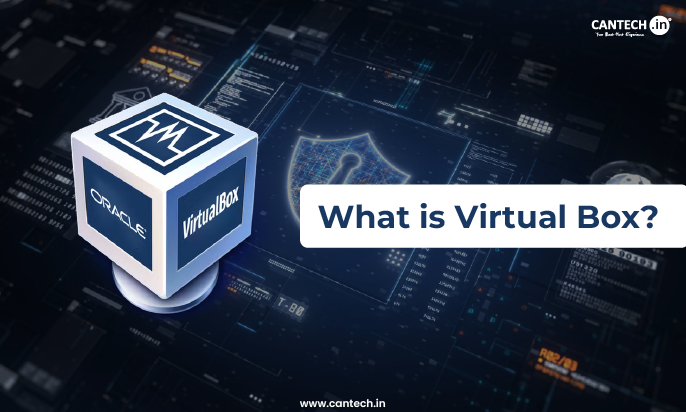
Virtual Box slips quietly inside your workflow as a practical companion for learning and experimentation. It allows you to juggle multiple operating systems on a single machine which makes it easier to test ideas, break things safely and start over without any consequences. It is backed by and used most commonly by developers, IT Teams, people keen on learning and teams who want flexibility, control and low-risk space to explore multiple environments along the side. This blog explores what a virtual box is and the cons and pros of using it.
Virtual Box Overview
Oracle’s Virtual Box, the world’s most widely used open-source, cross-platform virtualization software. It helps developers to run different operating systems on a single machine where a user can run many versions of the latest Windows or any other operating system at the same time. Virtual Box is used by IT Teams and solutions providers to reduce operational costs and lower the time it takes to safely deploy applications on premises and in the cloud.
Features of Virtual Box Overview
VirtualBox has the following features:
Portability
Virtual Box is portable running on both 32 bit and 64 bit operating systems based on Intel x86 – 64 processors and is a hypervisor of type 2. It works in a similar way on all of the host systems. A VM built on one host can
Open Source Virtualization Software
Virtual Box is open-source and free that could run on practically any kind of host operating system. This makes it flexible and reliable to use to minimize time and cost of operations.
Compliance
VirtualBox enterprise enables corporate IT to define and maintain a default host platform for various business units, roles, requirements complete with all essential control and security updates whereas each user can define different virtual machines on different platforms based on everyday needs.
Integrations
Software packages that are installed on VirtualBox guest VMs to help accelerate the performance and offer additional integration, communication with the host system. A shared folder is another useful feature which allows you to access files from host OS from within a guest VM.
Support for Hardware
Guest SMP, USB Devices, multi-screen resolution, full ACPI support, built-in iSCSI compatibility and PXE network boot are all supported by VirtualBox.
Virtual Box Installation
Here’s a step by step process of how to install Virtual Box.
- Download it from the official website at Oracle VM Virtual Box Site.
- Choose your platform package
- Click on installer.exe
- Follow all the Virtual Box installer.exe instructions.
- Launch your Virtual Box and create your OS file.
Conclusion
Virtual Box stands out as a reliable way to explore, learn, test and without interfering with the main system. It encourages experimentation, supports a diverse workforce and allows you the freedom to work across environments confidently which makes it a practical tool for experienced professionals alike.
FAQ’s
What are the Advantages of Virtual Box?
Some of the advantages of Virtual Box are:
- Virtualization – VirtualBox lets users run another OS on a single computer. It can generate a virtual machine that functions like a real computer with its own processing cores, RAM and hard disc dedicated to the virtual environment.
- Isolation – A virtual machine isolated environment is ideal for testing software or running programs that require more resources than are accessible in other settings.
- Cross-Platform Compatibility – VirtualBox can run Windows, Linux, Solaris and MacOS as its host operating OS. Users do not have to be concerned about compatibility difficulties while setting up virtual computers on several devices.
- Easy Control Panel – Virtual Box simple control interface is easy to configure parameters like RAM and CPU.
Disadvantages of Virtual Box
Some of the disadvantages of Virtual Box are:
- VirtualBoxes are effective only if the host is more powerful and faster.
- In case several VM’s are working on the same OS, all of them will be affected.
- VMs are not as efficient as compared to real computers, as it results in delayed usability since the host CPU has to accept requests.