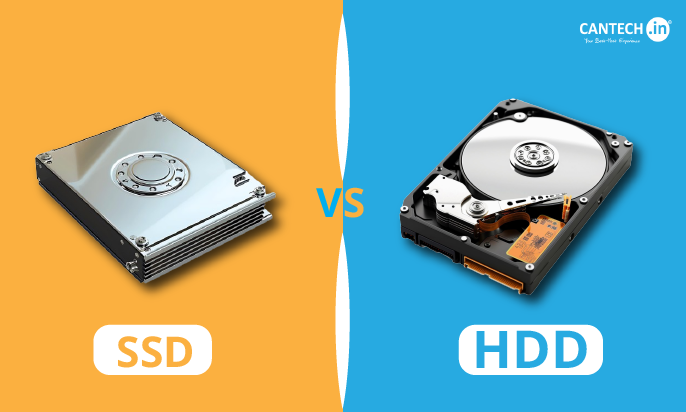
Introduction to SSD vs HDD
When selecting storage for a computer, many users face the same question: SSD vs HDD, which one should you choose? Both Solid State Drives (SSDs) and Hard Disk Drives (HDDs) are designed to store data, run operating systems, and handle applications, but they work in very different ways. SSDs are known for their lightning-fast speed, quick boot times, and smooth performance, while HDDs remain popular for their larger storage capacity and affordable pricing.
Knowing the differences between these two storage technologies is essential when upgrading a computer or buying a new device. In this blog, we will explain What is HDD SSD, how they work, and their key advantages and disadvantages. By the end, you’ll clearly understand the SSD vs HDD comparison and be able to decide which storage option best fits your performance, capacity, and budget needs.
History of SSD and HDD
History of HDD
But hard disk drives are a pinnacle of computing, since IBM invented them in 1956. Big as they were, the first HDDs could even just hold a few megabytes of data, but they changed the nature of storage. Over the decades, electronics storage technology has been relentlessly pushed out, increasing density and decreasing cost. As the trends of the early 2000’s were established, computer HDDs had become the norm, and for most personal and professional needs, you had enough storage.
Until today, the performance of HDDs, particularly in low cost applications, has been often needed to store high capacity, so that they are still used. In the situations where speed matters most, though, HDDs cannot longer withstand huge requests that NAND is aggressively playing second fiddle to SSDs.
History of SSD
Solids state drives aren’t so new, in fact they’re not as recent as you think and have their history predating the 1970s. SSD was used in the military and industrial sectors, and it started growing mainstream interest in the late 2000s. This was a novel thing, others with NAND flash memory instead of spinning disks, and it led to fast SSD solutions in order to meet modern computing needs.
Due to the increasing capacity in SSD storage, and because technology has improved it along the way, the cost of SSD storage has reduced, so people can buy cheaper. Today its speed and reliability make SSD normal in everything, from laptop to gaming console.
What is HDD and SSD?
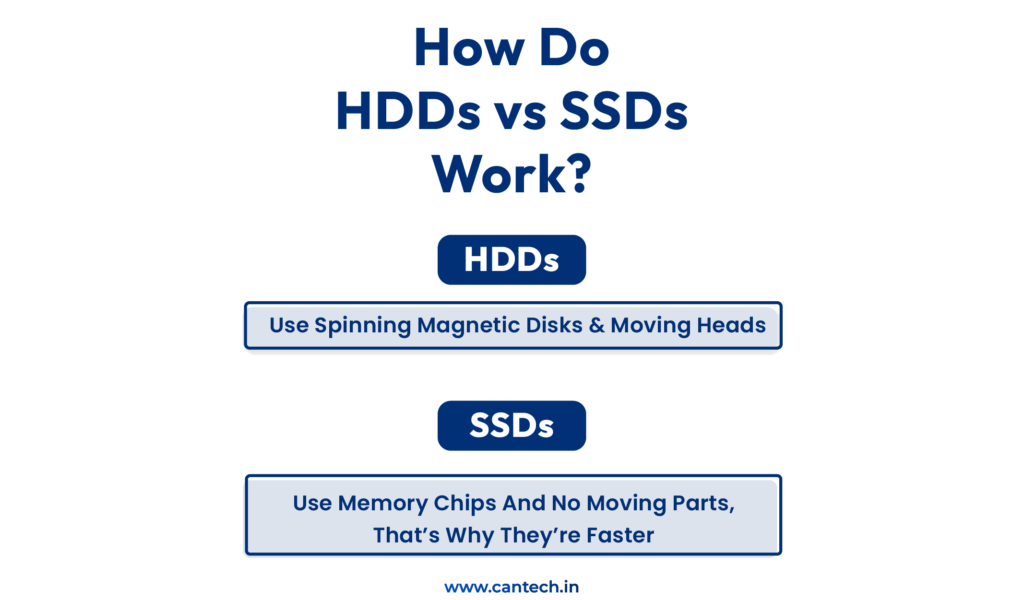
HDD (Hard Disk Drive) and SSD (Solid State Drive) are two types of storage devices used in computers and servers. HDD stores data on spinning magnetic disks, while SSD uses flash memory without moving parts, making it significantly faster and more reliable for modern workloads.
What is an HDD?
A Hard Disk Drive (HDD) is an outdated storage medium that writes information in spinning magnetic disks referred to as platters. It involves a mechanical arm that is used to read and write on the disk surface. HDDs are also predominantly used in storage of a lot of data due to their ability to save more data at a low cost as compared to the new storage mechanisms.
Advantages of HDD
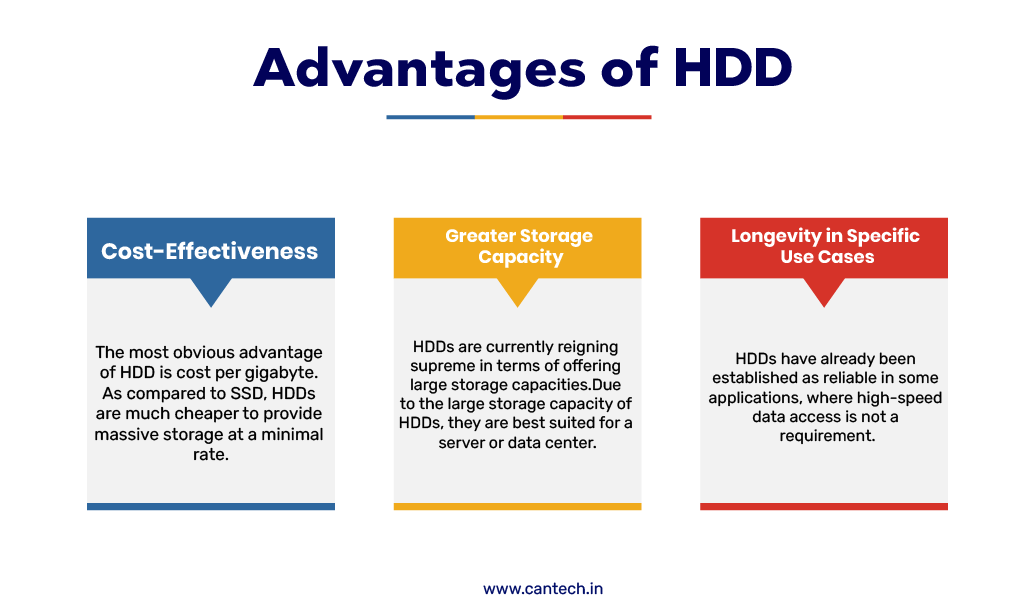
Cost-Effectiveness
HDDs are much cheaper per gigabyte compared to SSDs. This makes them a good option for users and businesses that need large storage at a lower cost. For example, a 1TB HDD usually costs significantly less than a 1TB SSD.
Greater Storage Capacity
HDDs are available in very large capacities, often exceeding 10TB or more. This makes them suitable for storing large files such as video projects, backups, archives, and databases.
Longevity in Specific Use Cases
With HDDs, there is no need to worry about speed as demonstrated in cases where speed is not needed. They are usually utilized to store data in long term, backups, surveillance systems and data archives since they have the capability of storing a lot of data and can operate over an extended amount of time. The external HDDs are also used in transferring and storing huge files and this makes them a good option in bulk storage.
Disadvantages of HDD
Slower Performance
HDD is slower compared to SSD since it utilizes spinning discs and mechanical read write heads in accessing data. It may lead to slow boot up times, slowness in transferring files as well as loading the applications particularly when using large workloads.
Mechanical Failures
Having moving components, HDDs are more easily damaged physically and wear out with use. Read/write errors may occur as a result of drops, vibrations or shocks, or the failure of the entire drive.
Higher Power Consumption
HDDs generally consume more power because the internal disks must spin continuously during operation. This can generate more heat and reduce battery life in laptops compared to SSD storage.
What is an SSD?
A Solid-State Drive (SSD) is one of the new storage devices which store data not on spinning disks but on NAND flash memory. SSDs are also much faster in terms of data accessing speed than HDDs because they have no moving parts, are more durable, and more reliable. Modern computers and servers make extensive use of SSDs to enhance both the overall performance and loading times of the system.
Advantages of SSD
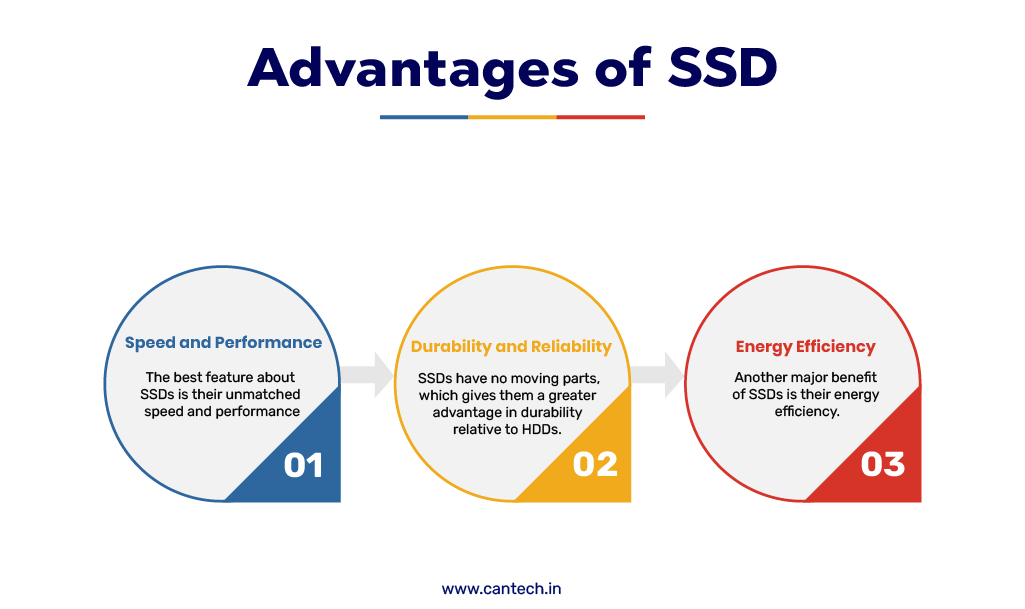
Speed and Performance
The high speed of SSDs is one of the largest strengths of this technology. SSDs are able to read and write data at a considerably high speed, compared to the HDDs and this means that they take a shorter time to boot system and also load applications. The computer with an SSD will boot within a few seconds, whereas HDDs may also be a minute or more. Such a speed is particularly useful in such activities as games, video editing, and the simultaneous execution of various programs.
Durability and Reliability
SSDs do not have any moving components and are therefore more robust as compared to HDDs. Original hard drives use spinning disks and other mechanical parts which may break when hit or dropped. Conversely, SSDs are based on flash memory making them more tolerant of physical abuse and mechanical breakdown. This renders them suitable to laptops and portables.
Energy Efficiency
SSDs are less consumptive since they do not involve the moving parts of a mechanism. This assists laptops to have a greater battery life and also minimizes the generation of heat within devices. Data centers and businesses are also benefiting as a result of lower power consumption which has brought the cost of all energy consumption low and system efficiency is enhanced.
Disadvantages of SSD
More Expensive
The primary shortcoming of SSDs is that they are more expensive in comparison with HDDs. Although the prices have reduced with time, the cost of SSDs per gigabyte remains higher. As an example, a 1TB SSD is likely to be a lot more costly than a 1TB HDD. Due to this, HDDs have been mostly used as storage solutions where large storage capacity is required like in the case of backups and archives.
Short Lifespan
A limited number of write and erase cycles of NAND flash memory is used in SSDs. With time, the drive can be decreased because of frequent writing. Despite the use of modern SSD technologies such as wear leveling to maximize the lifespan of the system, heavy write workloads can nonetheless affect long term performance.
Capacity Constraints
HDDs usually have a significantly higher storage capacity than SSDs, at the same price. SSDs with high capacity are present, though they usually cost a significant amount of money. As a result of this, a number of users use both an SSD in speed and an HDD in large storage.
How Does HDD and SSD Work Together?
HDD and SSD may work together in the same computer or server to strike a balance between speed and storage capacity.
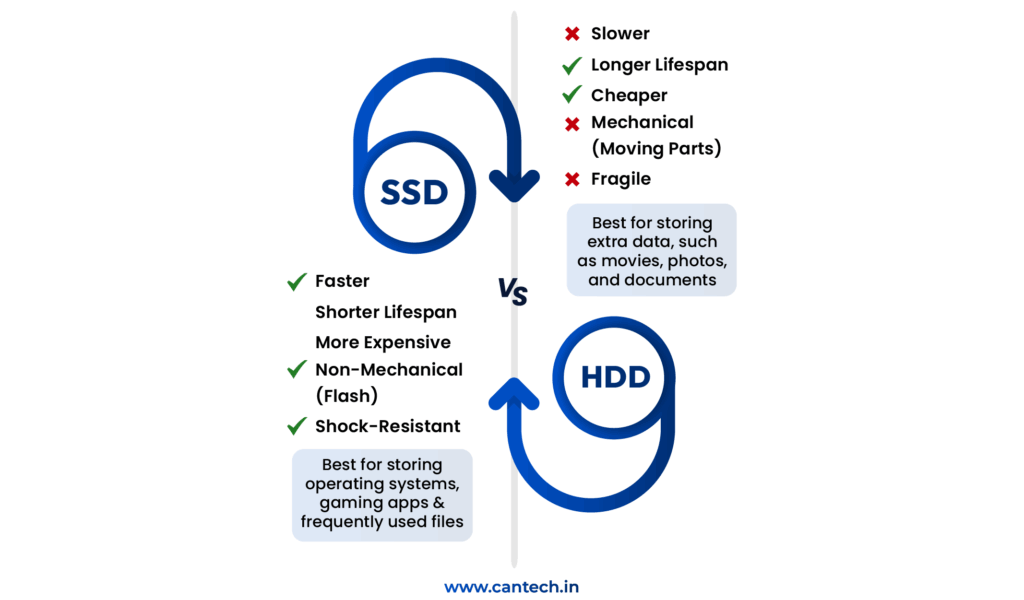
The speed is obtained by means of SSD, and the storage of large volumes of data is carried out with the help of HDD in this setup. Some examples include the operating system, the applications and commonly used files are loaded in the SSD such that they get loaded in a short time. In the meantime, bigger files like backups, videos, pictures, or archives are stored in the HDD and speed is not a significant concern.
This is a combination which is used by many businesses and hosting providers to achieve an optimal of both technologies. The SSD enhances performance and minimizes loading time whereas the HDD offers low cost storage of massive data.
HDD and SSD can be used together to enhance the overall system performance and not raise the costs of storage too high.
HDD vs SSD: A Side-by-Side Comparison
Below is a comparison of HDD vs SSD to help you understand the key differences between these two storage technologies.
Performance
- HDDs: Offer slower read/write speeds, making them less suitable for high-performance tasks.
- SSDs: Provide lightning-fast speeds, ideal for gaming, video editing, and multitasking.
Durability
- HDDs: Susceptible to mechanical failures due to moving parts.
- SSDs: More durable with no moving components.
Cost
- HDDs: Cheaper per gigabyte, making them ideal for budget-conscious users.
- SSDs: More expensive but offer better value in terms of speed and reliability.
Which is Better SSD or HDD?
When deciding between HDD and SSD, consider the following factors:
- Use Case: If you need storage for backups or large media files, go for HDD storage. For speed and performance, SSD storage is the better choice.
- Budget: HDDs are ideal for cost-effective solutions, while SSDs cater to premium requirements.
- Portability: Opt for external SSD options for durable and fast portable storage.
SSD Hosting Solutions by Cantech
At Cantech, we harness the true power of SSD technology to deliver lightning-fast hosting environments designed for speed, reliability, and performance. Whether you’re building a small website or managing enterprise workloads, our SSD-based hosting ensures faster loading times, enhanced data security, and consistent uptime.
Our SSD-Powered Hosting Services
- SSD Linux Hosting– Built for speed, stability, and performance, ideal for developers and businesses running Linux-based applications.
- SSD VPS Hosting– Virtual private servers powered by SSDs for faster processing, seamless multitasking, and reliable dedicated resources.
- SSD Cloud Server– Scalable cloud infrastructure with high-speed SSD storage optimized for uptime, data security, and smooth performance.
- SSD Cloud VPS– A powerful combination of cloud flexibility and SSD performance, designed for dynamic business workloads and consistent speed.
- SSD Dedicated Server– Enterprise-grade servers equipped with NVMe SSD storage, delivering maximum throughput, stability, and complete control for demanding applications.
Future of Storage: Hybrid Solutions
In this regard, new types of hybrids like SSHDs, which responded to the need for increased performance and capacities, emerged and are mostly believed to be a good substitute. These drives take the best of both worlds of SSD and HDD because it employs a small quantity of SSD to store data that is frequently accessed, whereas it employs a large amount of hard disk storage for other data that is not frequently accessed. The user is going to be able to implement boot time increase, and fast application loading benefits and at the same time getting the standard HDD based high capacities and greater cost-efficiency.
In addition to that the SSHDs have intelligent data management that will learn user’s habits over a period of time. These optimise the general availability of the system by caching parameters which are frequently used on the SSD part without having to make use of the CPU. Thus, they are right for average consumers, gamers and professionals looking for a great performance with a reasonable amount of storage space. This leads to higher degrees of assimilation of hybrid solutions for both end-user electronics and business applications.
The future of WCM hybrid technologies will be coming with more enhanced products, that is to say, improved combination of algorithm references to caching, together with higher portions of SSD. It will also be merged with cloud storage only so that a local and cloud based environment may be created that can work in parallel with each other. SSHDs offer elements towards better organizing and optimizing storage requirements to meet different demands while avoiding lack of optimization in one way or another due to a change of evolution in the requests for storage.
Conclusion
The battle between hard disk drive vs solid state drive comes down to individual needs. While HDDs excel in affordability and capacity, SSDs lead in speed, durability, and energy efficiency. Both technologies have their place in modern computing, and understanding their strengths and weaknesses is key to making the right choice.
Whether you are seeking to acquire the best gaming SSD or the best HDD for backup uses, this guide is what you need to find. As storage evolves, it will shape up to serve different needs and preferences better and better over time.
FAQs
What is the difference between SSD and HDD?
The main technology difference between SSD and HDD is the technology basis. SSDs store data using flash memory, making them faster, quieter, and more reliable than HDD, where storage is based on spinning disks and mechanical parts to read and write data. HDD is slower but cheaper for large storage volumes. Users wanting speed and performance usually go with SSDs, while others go with HDDs if they want low-cost, high-volume storage.
Which is more suitable for gaming: SSD or HDD?
For gaming, SSDs are generally better because they drastically reduce loading times and ensure smoother performance. With faster data retrieval, games installed on an SSD load textures, levels, and in-game assets quicker, enhancing the overall gaming experience. However, HDDs can still be used for storing larger game libraries that don’t require frequent loading, making a hybrid approach with both SSD and HDD an ideal solution for gamers seeking both speed and capacity.
Are SSDs more reliable than HDDs?
Generally, SSDs have fewer failures compared to HDDs because they contain no moving parts. While HDDs are prone to mechanical failure due to wear and tear or physical damage, SSDs rely on flash memory, which has better resistance to shock and vibration. However, SSDs would eventually run out of “write cycles” over time, reducing the reliability of the storage type. Proper usage and backups could improve both storages’ reliability.
Why are SSDs more expensive than HDDs?
Actually, SSDs are more expensive because of using advanced NAND flash memory technology while the magnetic storage technology used in HDDs is cheaper in mass production. Besides that, SSDs provide so much better performance, higher speed, and durability than HDDs with their money worth. The SSD price continues going down while improving the manufacturing process, increasing demand, etc.
What is a hybrid drive? How does it work?
A hybrid drive – also known as an SSHD, or Solid State Hybrid Drive – combines the performance of an SSD with the capacity of a HDD. It includes a smaller SSD portion that is used to store frequently accessed files and an HDD for larger, less frequently accessed files. This smart caching system enables faster boot times and application loading while providing large storage space at a lower cost than standalone SSDs. Hybrid drives offer an excellent compromise for customers demanding both speed and affordability.