A hyperscaler-to-bare-metal migration is the process of moving applications, databases, storage, and other workloads from public cloud platforms such as AWS, Microsoft Azure, and Google Cloud to dedicated physical servers. Organizations usually make this move to gain more predictable costs, improve performance, strengthen security, and gain greater control over their infrastructure. The process typically includes evaluating existing workloads, designing the new environment, migrating applications and data, testing performance, and carefully transferring production traffic to the new infrastructure.
Introduction:
For many years, the public cloud platforms have been the go-to solution for businesses seeking rapid scalability. However, as infrastructure expands, many organizations begin to face similar challenges: higher costs, variable monthly bills, performance restrictions, compliance demands, and reliance on a single provider.
Consequently, cloud repatriation is becoming more popular. Rather than all workloads being in the cloud, businesses are adopting a more balanced strategy and moving specific apps, databases and services to dedicated infrastructure. The transition, dubbed a “hyperscaler-to-bare-metal” move, provides organizations with more control over performance, security, and total cost.
But it’s not just about copying data from one server to another when moving from a hyperscaler to bare metal. Each workload, dependency, network setup and security policy needs to be thoughtfully designed to ensure a seamless transition. In this guide, we’ll break down the entire process, from migration planning to architecture design and deployment.
Why Migrate From Hyperscalers to Bare Metal?
There are many reasons for going from hyperscalers to bare metal, but typically it boils down to four: cost, performance, control, and compliance.
Cost predictability
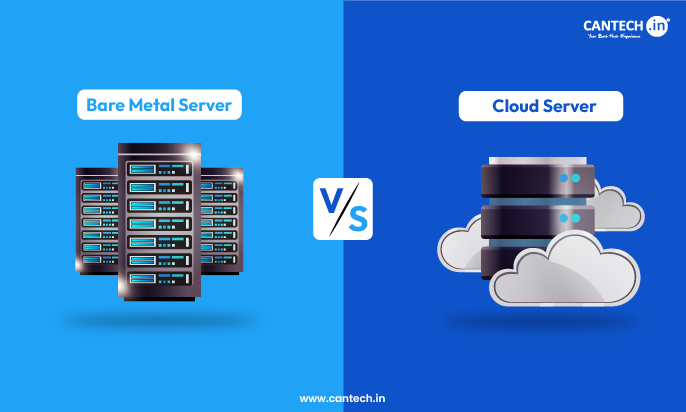
Cloud platforms are flexible, but the expense can be hard to control as workloads increase. Expenses can be difficult to forecast due to storage fees, network transfer costs, and on-demand resources. Bare metal infrastructure provides more consistent monthly costs and makes long-term budgeting much easier. For a broader comparison of pricing, performance, and flexibility, read our guide to bare metal vs cloud.
Dedicated resources and performance
Bare metal servers offer dedicated CPU, memory, and storage resources, unlike shared cloud environments. This results in more consistent performance, lower latency, and eliminates the noisy-neighbour problem that can affect heavily used applications. Businesses looking for dedicated infrastructure with cloud-like flexibility can explore bare metal cloud solutions.
Greater infrastructure control
Bare metal environments enable organizations to have direct access to the underlying hardware. This enables teams to fine-tune operating systems, tweak network settings, and lessen reliance on a single cloud service provider.
Compliance and data sovereignty
There are various industries that have to adhere to strict rules on data storage, privacy and security. Businesses can have more control over where data is stored, how it is managed and who has access to it with bare metal infrastructure.
Which Workloads Are Suitable for Bare Metal?
Not all applications need to be in the cloud. Workloads that need predictable resource usage, greater control over infrastructure, and consistent performance are typically the most suitable for migration.
High-utilization and predictable workloads
For enterprise applications, internal business platforms and other resource-heavy services, bare metal environments are well suited. These workloads are always on and dedicated hardware can provide improved performance and better cost predictability.
Databases and high-performance applications
Direct access to processing power, memory and storage can be advantageous for large SQL and NoSQL databases, analytics platforms and data warehousing systems. This can result in improved latency and performance stability.
AI, machine learning, and GPU workloads
Typical workloads that use GPUs, such as AI model training, inference, and more, typically demand a substantial amount of computing power. Organizations can fully utilize their hardware in a bare-metal server environment, rather than in shared environments. For compute-intensive AI workloads, explore our GPU server hosting solutions.
Workloads that may be better suited to staying on hyperscalers
Projects that are still in development, seasonal projects, and applications with fluctuating resource needs may still be better suited for the cloud. In such scenarios, the flexibility and scalability provided by hyperscalers may be more advantageous than the dedicated infrastructure.
Hyperscaler to Bare Metal Migration Guidelines
The key to a successful migration begins well before the first workload is moved. It’s better to take it step by step than rush the process, as this can cause unexpected downtime, performance problems and increased costs.
Assess existing workloads and dependencies
The first step is to know what is currently running within the environment. Applications are seldom used alone. Databases, APIs, storage systems, network configurations and third-party services are typically linked in a manner that is easy to miss. A detailed inventory can be used to identify such dependencies prior to their becoming an issue later.
Identify and prioritize migration candidates
After the assessment, the next step is to determine what to migrate first. The most common candidates are those that have a stable traffic pattern and predictable resource usage. Meanwhile, other considerations like impact on business, cost, performance and technical complexity should be taken into account.
Map cloud services to bare metal alternatives
One of the biggest challenges during a cloud-to-bare-metal migration is replacing managed cloud services with self-managed solutions. For instance, a database service might need to be installed on dedicated servers, and cloud-based storage or load-balancing services might require replacement with other services that provide the same functionality.
| Cloud service | Bare metal alternative |
| Managed databases | Self-managed database clusters |
| Object storage | MinIO |
| Managed Kubernetes | Kubernetes clusters |
| Load balancers | HAProxy and NGINX |
Design compute, storage, network, security, and backup infrastructure
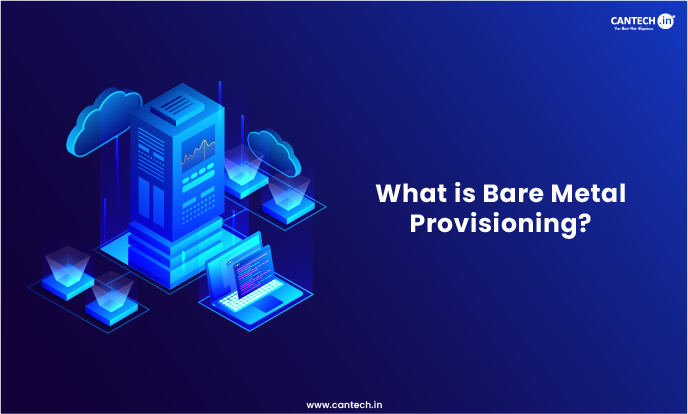
This is where the new environment begins to form. All of these elements must be coordinated in order to process, store, and secure the data, as well as to back it up. Careful planning is required at this stage as it will affect reliability, scalability and future running costs. A key part of this process is bare metal provisioning, which involves preparing and configuring physical servers for deployment.
Migrate data and applications
Once the infrastructure is in place, data can be synced and applications deployed in the new environment. Many organizations opt for a phased approach as it reduces downtime and helps them to identify and fix issues before they move more workloads.
Test performance and reliability
A migration should never be pushed directly into production without a lot of testing. Load testing, failover testing, security assessments, and performance benchmarking ensure that the new environment will be able to support real-world traffic and operating conditions.
Execute cutover and maintain a rollback plan
The last step is to move the production traffic from the cloud to the new infrastructure. No matter how well planned, migrations can have unexpected issues, so it is just as important to have a rollback plan as it is to have a migration plan. If there are problems, a good recovery plan can minimize downtime.
Bare Metal Architecture Blueprints
No single architecture is appropriate for all organizations. The correct configuration will vary based on the applications being used, traffic flow, security needs, and plans for future expansion. Typically, however, most deployments are based on one of the architectures listed below.
Basic application architecture
This is the easiest way and is a common method for small and medium deployments. The data is stored on a dedicated database server and the incoming traffic goes through a load balancer before it reaches the web and application servers.
The architecture generally includes:
- A load balancer
- One or more web servers
- Application servers
- Database servers
High-availability bare metal architecture
Organizations that need maximum uptime usually deploy redundant infrastructure. If one server fails, another one immediately takes over, reducing the risk of downtime.
This setup commonly includes database replication, multiple network paths, backup systems, and automated failover mechanisms.
Kubernetes on bare metal
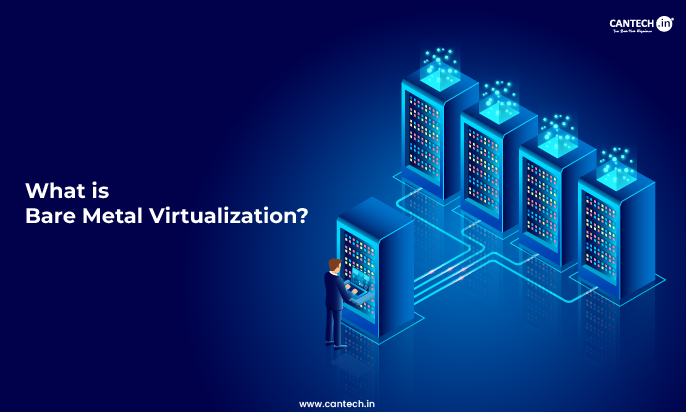
Many organizations opt to deploy Kubernetes on their own hardware rather than on managed cloud services. Here, the control plane nodes are responsible for managing the cluster, while the worker nodes host applications, and persistent storage keeps the data available even if the containers are restarted. For workloads that require virtual machines on physical infrastructure, understanding bare metal virtualization can help clarify how a hypervisor manages hardware resources.
Hybrid hyperscaler and bare metal architecture
Not all workloads have to come out of the cloud. Many companies use hyperscalers for their development environments, backup systems, and temporary workloads while transitioning long-running applications to dedicated infrastructure. This way, you can be more flexible without compromising performance.
Security and Operations After Migration
The migration process doesn’t end once workloads are transferred. Maintaining security, stability, and performance becomes an ongoing responsibility.
Network security
Firewalls, network segmentation, and threat detection tools help protect applications and prevent unauthorized access. Separating workloads into different network segments can also reduce the impact of potential security incidents.
Access control
Strong access policies are essential in any bare metal environment. Multi-factor authentication, role-based permissions, and SSH key authentication can significantly reduce security risks.
Monitoring and logging
Without proper monitoring, identifying performance problems can become difficult. Tools such as Prometheus, Grafana, and the ELK Stack allow administrators to track system health, analyze logs, and detect unusual activity. Regular checks are also essential, so follow this dedicated server maintenance checklist to help keep server infrastructure secure and reliable.
Backup and disaster recovery
Even the most reliable infrastructure can experience unexpected failures. Automated backups, data replication, and regular recovery tests help ensure that critical information can be restored quickly when necessary.
Patch management
Keeping software up to date is just as important after the migration as it was before. Operating system updates, firmware upgrades, and security patches help maintain stability and reduce vulnerabilities.
Common Migration Mistakes to Avoid
Poor workload assessment
One of the biggest mistakes organizations make is moving workloads without fully understanding their dependencies, resource requirements, or performance patterns.
Ignoring cloud dependencies
Applications often rely on cloud-native services that may not be immediately visible. Failing to identify these dependencies early can lead to unexpected disruptions later.
Incorrect server sizing
Choosing hardware that is either too powerful or not powerful enough can create performance issues and unnecessary expenses.
No rollback or disaster recovery strategy
Even a well-planned migration can encounter problems. Without a backup plan, small issues can quickly become major outages.
Migrating everything at once
A phased migration is usually the safer approach. Moving workloads gradually reduces risk and gives teams more time to identify and resolve potential issues.
Hyperscaler to Bare Metal Migration Checklist
Even the best teams use checklists when migrating. There can be a number of different dependencies, configuration settings, and network problems that can quickly cause hours of downtime, so it’s best to review each step thoroughly before proceeding.
Assessment
Start by taking a close look at the existing environment. Record any applications, databases, storage, network setup, and third-party services that might be impacted during the transition.
Planning
With knowledge of what you are migrating, set goals, make a realistic timeline and make a plan about who will be responsible for each step of the migration.
Architecture
This is the time when the new environment is coming together. All of these factors, including server specifications, storage systems, network design, security policies, and backup procedures, should be determined prior to any workloads being moved.
Migration
Do not move all workloads at once, but rather move workloads in phases. This will help to identify issues early on and reduce disruption to users.
Testing
Before the final switch, put the new environment through its paces. Monitor performance, test security measures, ensure data integrity and ensure failover processes function as intended.
Cutover
Once all is set up, traffic can be redirected to the new infrastructure. Monitor applications, databases and network performance during the process.
Monitoring
The work doesn’t end after the migration is complete. Monitor resource consumption, check system logs, install updates and tweaks as needed.
Conclusion
The shift from a hyperscaler to bare metal isn’t a matter of proving that one is better than the other. It’s a matter of placing the appropriate workloads into the appropriate environment.
For certain companies, the public cloud is still a no-brainer. Others find that dedicated infrastructure provides more predictable performance, greater control, enhanced security, and predictable costs. Many organizations eventually end up with a hybrid solution that leverages the flexibility of the cloud, while maintaining the reliability of the bare metal server infrastructure.
The secret is not to rush through it. With careful planning, thorough testing and a phased migration approach, costly mistakes can be avoided, and the migration process can go much more smoothly. Plus, if you’re considering moving important workloads to dedicated infrastructure, it’s going to be much easier to do with an experienced provider like Cantech.
FAQs
Why migrate from a hyperscaler to bare metal?
There are several reasons why organizations typically move to bare metal, such as reducing infrastructure expenses over the long haul, enhancing performance, bolstering security, minimizing latency, and providing more control over their environments. This is particularly favoured by companies that have resource-heavy applications that need to be running 24/7.
Which workloads are best suited for migration to bare metal?
The best candidates for migration are applications that have predictable resource requirements, such as databases, enterprise applications, analytics platforms, AI workloads, and others. Cloud infrastructure could still be suitable for workloads that have high traffic variability.
How do I plan a hyperscaler-to-bare-metal migration?
It usually starts with an assessment of the existing workloads, the identification of the workload dependencies, the selection of appropriate workloads for migration, the design of the new environment, the transfer of data, the performance testing, and the preparation of a rollback plan.
How long does a hyperscaler-to-bare-metal migration take?
The answer is no single one, as it will depend on the size and complexity of the infrastructure. Smaller projects may take a few weeks, large-scale migrations can take several months.
Can I use a hybrid architecture with hyperscaler and bare metal?
Yes. Many organizations are still running public cloud services with on-premises infrastructure. This enables them to remain flexible as they migrate sensitive applications to bare metal servers.
What are the biggest challenges when migrating from a hyperscaler to bare metal?
The most frequent challenges are application dependencies, large data transfers, replacement of managed cloud services, downtime and security during the migration process.