The best Stable Diffusion model in 2026 depends on the job. One model wins on photoreal people, another suits anime, another is better for speed, and another handles text prompts more cleanly.
If you want the short answer, start by comparing image quality, prompt following, speed, and how easy each model is to run on your hardware. That mix matters more than hype, so the guide below focuses on what works in real use.
Which Stable Diffusion models are actually worth using in 2026?
The strongest picks in 2026 are still split by use case, not by one clear champion. For most users, the smart shortlist is SD 3.5 Large-based models, strong SDXL fine-tunes, anime SDXL checkpoints, and lightweight distilled builds for low-VRAM PCs.
Here’s the quick view:
| Model family | Best for | Main strength | Common downside |
|---|---|---|---|
| SD 3.5 Large-based | Realism, prompt accuracy, text | Strong detail, better hands, cleaner text | Slower, higher VRAM |
| SDXL general fine-tunes | All-round image work | Mature tools, loads of LoRAs | Text still weaker |
| Photoreal SDXL checkpoints | Portraits, products, interiors | Natural skin, lighting, camera feel | Can over-smooth or overfit |
| Anime SDXL checkpoints | Anime, manga, stylised art | Line quality, colour control, character style | Poor for realism |
| Lightning or distilled models | Fast drafts, low-end hardware | Quick renders, easy testing | Lower detail ceiling |
The takeaway is simple, pick a family first, then pick a checkpoint inside that family.
Best for photoreal images and strong prompt following
For realistic people, products, and scenes, SD 3.5 Large-based models are often the safest bet in 2026. They tend to follow prompts more closely than older SDXL photo models, especially when you ask for specific lighting, camera angle, or text inside the image.
They also handle skin texture, fingers, fabrics, and small scene details better. That matters for client work, because tiny errors ruin trust fast.

The trade-off is clear, they usually need more VRAM and more patience. If you generate locally on mid-range hardware, a well-tuned photoreal SDXL checkpoint may still feel better day to day.
Best for anime, illustration, and stylised art
For anime, manga, painterly art, and game-style character work, anime-focused SDXL checkpoints still stand out. In practice, Pony-style and Illustrious-style communities remain popular because they offer sharp linework, rich colour, and strong support for character LoRAs.
Artists often prefer them because they keep a clear visual identity. You can push costumes, poses, and moods without the model fighting the style.
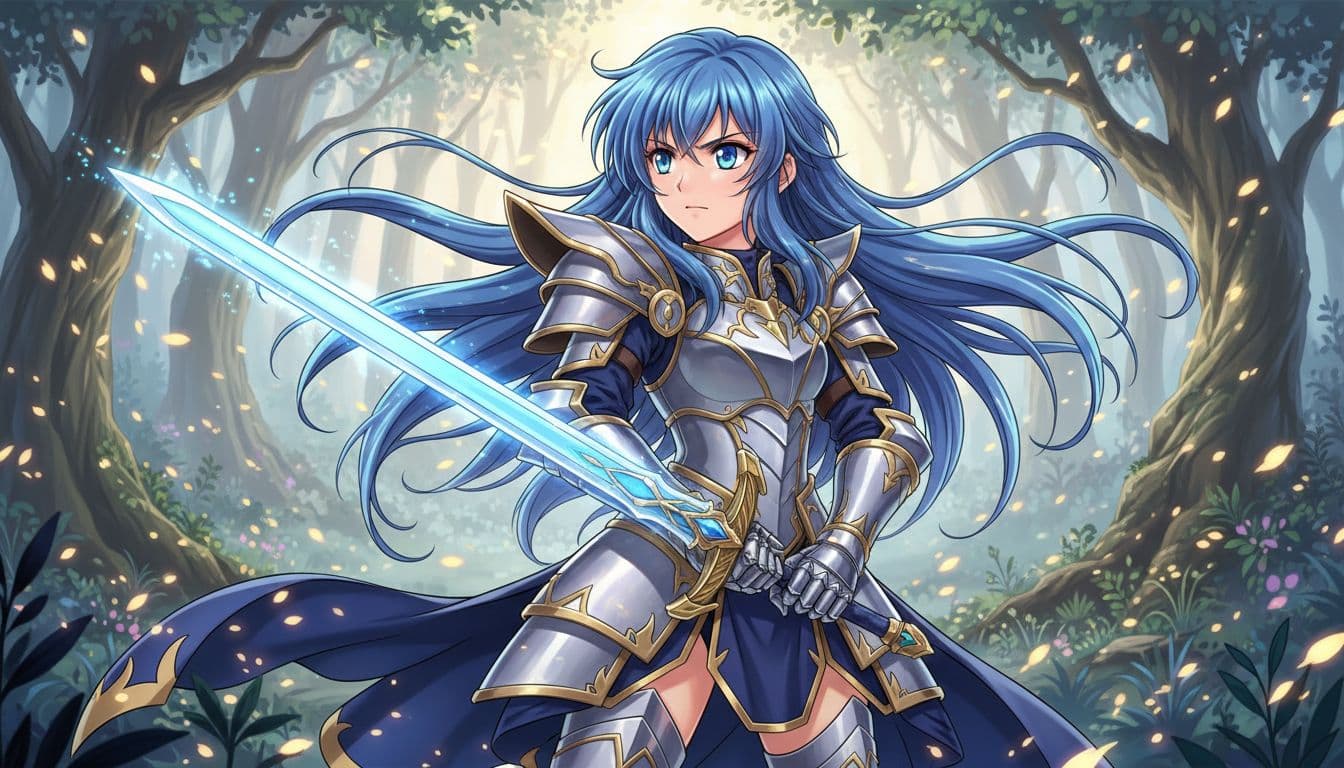
However, these models are built for stylised work. If you ask for photo-grade realism, they often look glossy or artificial. That’s fine, as long as the model matches the brief.
How do you choose the right Stable Diffusion model for your needs?
The right model depends on four things, style, speed, hardware, and licensing. If one of those fails, even a top-rated model becomes the wrong choice.
Pick based on image style, speed, and your graphics card
Start with the output you need. Realistic portraits and product shots usually favour photo-focused models. Concept art and editorial images often work well on flexible SDXL builds. Anime and character design need a stylised checkpoint from the start.
Then look at your GPU. If you have limited VRAM, smaller or distilled models make more sense because they render faster and crash less. That can matter more than raw quality.
A slow model with great samples can feel like a sports car in city traffic. On paper it wins, but in daily use it frustrates.
Check licences, fine-tunes, and tool support before you commit
Before you settle on a model, check the boring bits. They matter. Review the licence for commercial use, the size of the LoRA ecosystem, and whether your tools support the model cleanly.
For example, some models work beautifully with ComfyUI, inpainting, and ControlNet, while others have thinner community support. An older checkpoint with strong guides, active updates, and reliable extensions may save more time than a newer one with better benchmark images.
What gives the best results when using Stable Diffusion in 2026?
Model choice matters, but workflow matters almost as much. A solid prompt, the right settings, and a useful add-on often beat switching models every hour.
Use the right workflow, not just the right model
Start with a strong base model that matches your style. Then add a LoRA only if you need a specific face, outfit, product, or art style. If composition matters, use image-to-image or pose control instead of rewriting the prompt ten times.
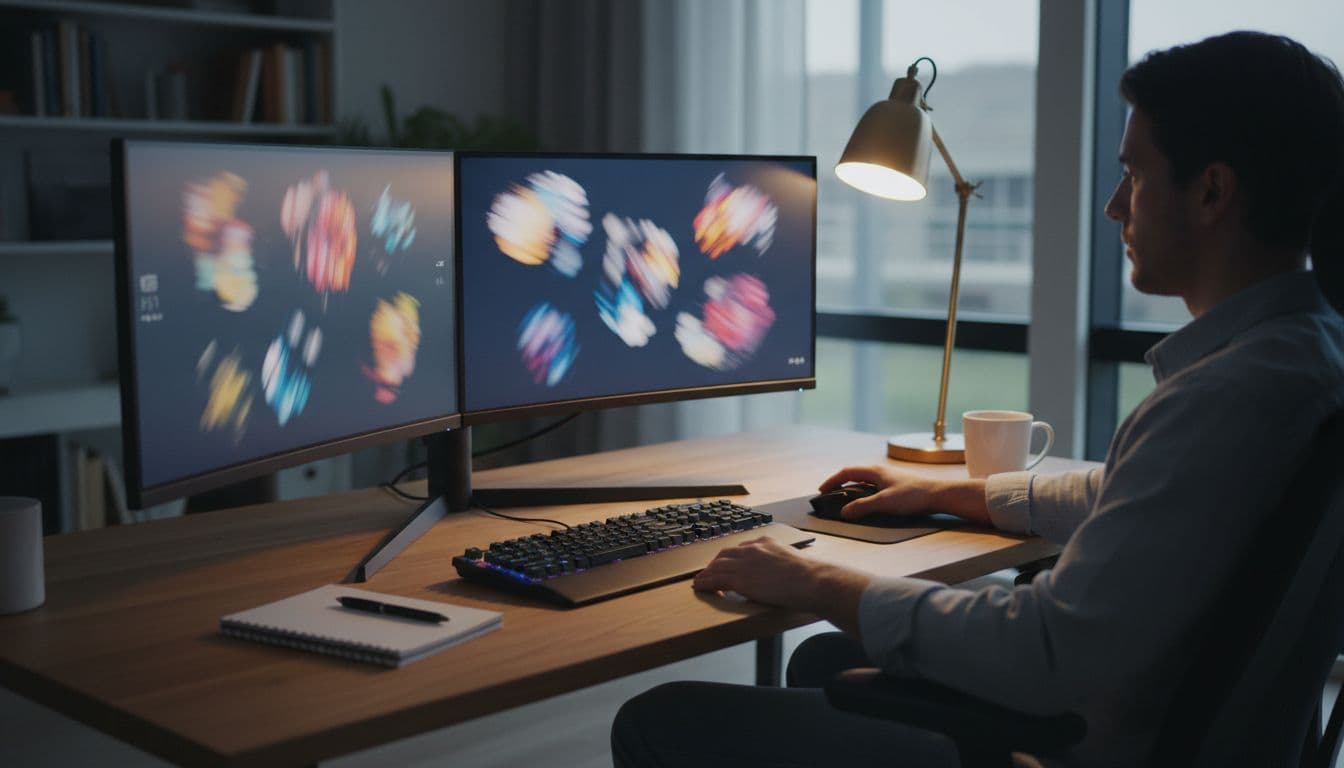
Also test aspect ratio, sampling steps, and CFG gently. Small changes often help more than giant prompt rewrites.
A good model can’t rescue a messy workflow.
Common mistakes that make good models look bad
Many weak results come from simple mismatches. People pick a realistic model for anime, overstuff the prompt, or expect crisp text from an older checkpoint. Others push CFG too hard, use the wrong sampler, or skip negative prompts when the model still benefits from them.
Keep it simple first. Match the model to the style, then tune from there.
FAQs
These are the questions most people ask before picking a model.
What is the best Stable Diffusion model for beginners in 2026?
For beginners, a well-supported SDXL checkpoint is often the best starting point. It’s easier to set up, runs on more consumer GPUs, and has a huge library of guides, LoRAs, and presets. It also tends to be forgiving, so you can get decent results without perfect prompts.
Which model is best for realistic portraits?
A strong SD 3.5 Large-based photoreal model is usually the top choice for portraits. It handles skin texture, eye detail, lighting, and facial structure better than most older options. If your hardware is limited, a respected photoreal SDXL checkpoint is still a solid second choice.
Which Stable Diffusion model is best for low VRAM PCs?
For low VRAM systems, look at lightweight or distilled models, such as Lightning-style or other speed-focused builds. They trade some fine detail for faster renders and fewer memory problems. That makes them better for older GPUs, quick drafts, and everyday local use.
Are newer Stable Diffusion models always better than older favourites?
No, newer isn’t always better. Newer models may improve prompt following or text, but older favourites can still win on speed, stability, LoRA support, and tool compatibility. If your workflow already works, compare two or three options side by side before switching.
There’s no single best Stable Diffusion model for everyone in 2026. The right pick depends on your style, your hardware, and the tools you rely on every day.
Choose two or three strong candidates, test them on the same prompt, and keep the one that fits your workflow best. The fastest way to find the winner is to stop chasing headlines and start comparing outputs.