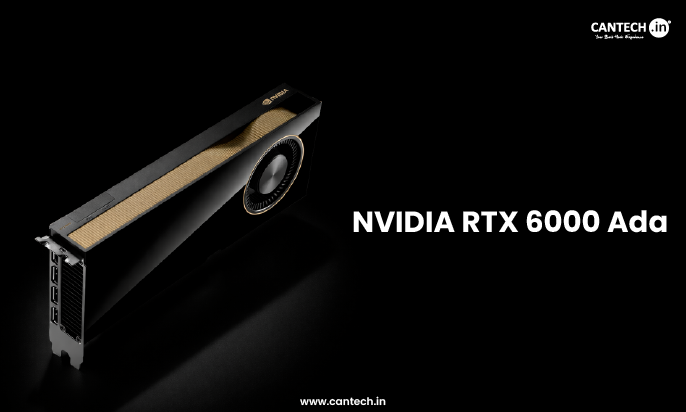
Running Llama-3 70B requires more than 140 GB of VRAM, which is beyond the capacity of most old computers. Even on cloud-based platforms, accessing such a GPU is uncommon and can be expensive.
To run them efficiently for either deployment, fine tuning or experimentation depends heavily on the GPU choice.
In this blog we help you pick the right GPU based on the use case and performance needs.
Top GPUs for 70B LLMs
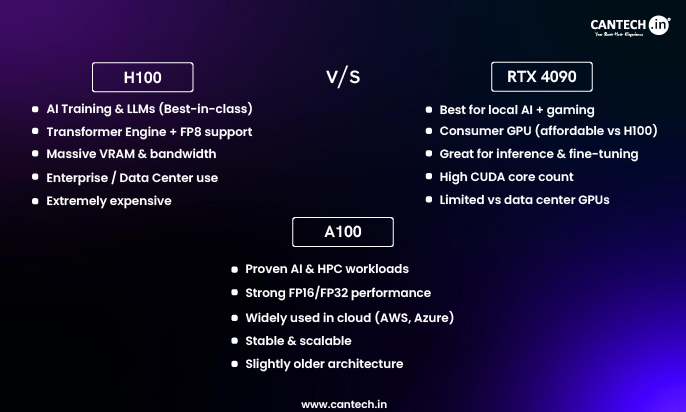
1. NVIDIA H100 – Best for training and heavy inference
It typically has 80GB HBM and comes with incredible memory bandwidth and Tensor performance is great for large model inference and training frameworks. Also works well with multi-GPU setups for true full precision runs.
Best for: Enterprise teams who are looking for maximum performance without being limitrestricted by the memory.
2. NVIDIA A100 – Great for LLM deployment
NVIDIA A100 has 80 GB HBM2e. It is an ideal choice in many data centers and is often used in multi-GPU clusters for large models.
Best for: Teams that are looking for stable performance with current ecosystem or cluster support. Many LLMs may require multi-GPU quantization to align with the 70B model.
3. NVIDIA L40s – Perfect for affordable inference with quantization
NVIDIA L40s consists of 48 GB GDDR6 and offers top notch performance and with an affordable price tag, ideal for inference with heavy quantization (INT4/INT8)
Best for: Inference focused teams that are okay with compressing the model to accept mixed accuracy.
Factors to Consider Before Choosing the Right GPU
Here some key factors that should be considered before selecting the GPU for LLMs
Memory
70B models need 80GB VRAM to host weights and activations without any major performance penalties. Solo GPU solutions may need quantization or model sharding if the memory falls short.
Software Support
Support for quantization (bitsandbytes, GPTQ), model parallel libraries, and inferences serving stacks is equally important as much as the hardware specs.
Bandwidth
High bandwidth increases throughput and latency especially important for inference in production. GPUs like H100 have higher bandwidth than previous models like A100.
Comparison Table of Ideal GPUs for 70B LLMs
| GPU Model | VRAM | Use Case | Best for |
| NVIDIA A100 | 80GB | Perfect for Heavy Workloads. | Great for cluster |
| NVIDIA H100 | 80GB | Training and high end inference. | Great all round performer |
| NVIDIA L40s | 48GB | Affordable inference. | Requires quantization |
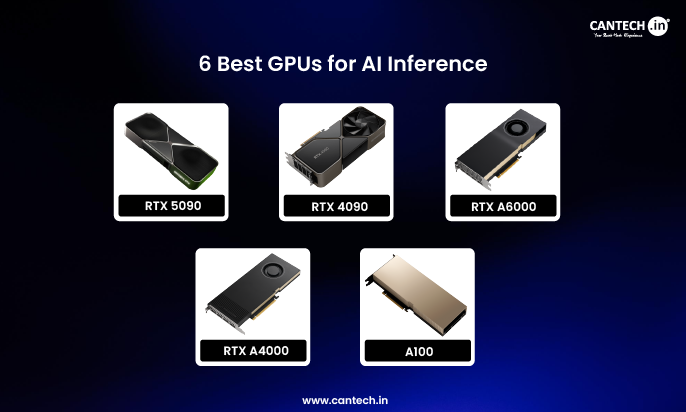
| RTX 4090/5090 | 24GB | Prototyping and Small scale projects. | Heavy quantization with offload requirement. |
What are the Practical Deployment Strategies
Let’s look at the below feasible deployment strategies
Quantization
Utilizing INT8, INT4 or latest techniques can lower the memory significantly, sometimes it is more than enough to match a 70B model on 48GB or 80GB GPUs. This is very common for inference deployments.
Cloud vs On-Premise
Cloud GPU server instances offer scaling and flexibility without any additional or upfront hardware costs. On prem GPUs are great for predictable workloads and long term TCO optimization.
Model Sharding
If you are looking for full-precision inference or training, spreading the model across GPUs allows you to manage weights and activations without aggressive compression.
Conclusion
Creating enterprise AI services or experimenting with LLMs on a budget, by understanding the trade offs between compute, cost, memory and software support helps you select the right GPU.
FAQs
What is 70B LLM?
70B is approximately 70 billion parameters and is usually measured by the total count of parameters.
Is LLM better on RAM or GPU?
Running LLMs in RAM on CPUs is ideal and accessible, especially for smaller-scale projects. If you are looking for high performance and scalability, GPUs are the great choice for running LLMs. But for experimentation or budget conscious projects, CPU with RAM setups may be better, but expect some trade-offs in speed.
What GPU will Run 70B Models?
The perfect setup for most models up to 70b is any combination of single or dual GPU that provides for 48G.