How to Install cPAddons Site Software from WHM?
cPAddons, an on-site web application, allows you to combine different scripts to install them on your site. With this application you are able to create and manage applications as well as vendors online through cPanel/WHM.
cPAddons is usable with blog, bulletin boards, e-commerce, and guest books websites.
To Install the cPAddons Application
Log in to WHM.
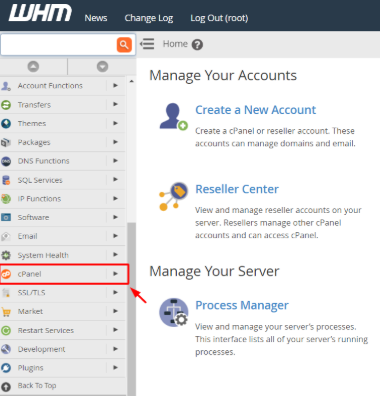
Select the cPanel option.
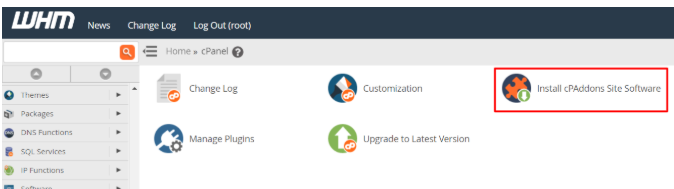
3) Select the Install cPAddons Site Software.
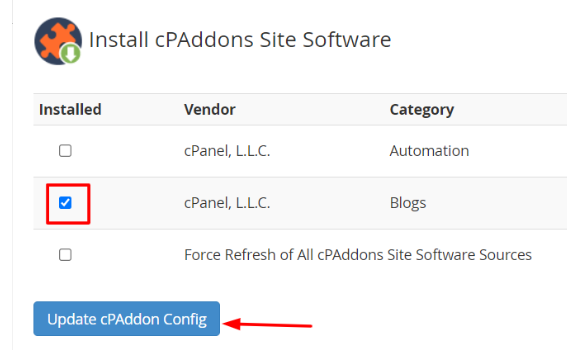
4) Select the box next to the cPAddons software you require and select update cPAddon config.
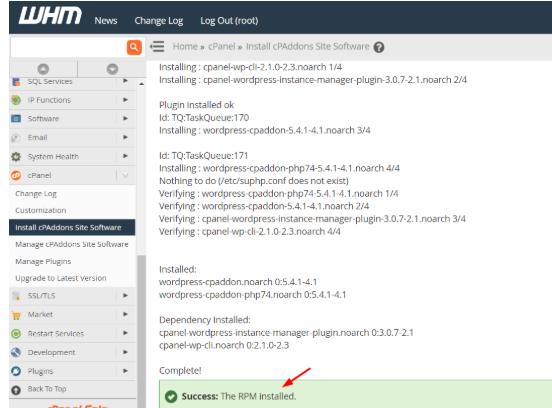
WHM will start the installation process and flash a success message on the installation.