How To View Installed Apps In Plesk Reseller Account?
As a Plesk reseller, understanding the software used by your customers and providing proactive assistance and keeping the servers secure is important. Plesk offers a solution where you can manage certain software applications from a central hub. This means you can manage installs from the APS (Application Packaging Standard) catalog. This includes generic applications like WordPress and Joomla, as well as other more specialized applications, like certain e-commerce software. This allows you to manage and track all the versions and updates for all the subscriptions under your account.
It is important to know how to access the entire library of Plesk applications.
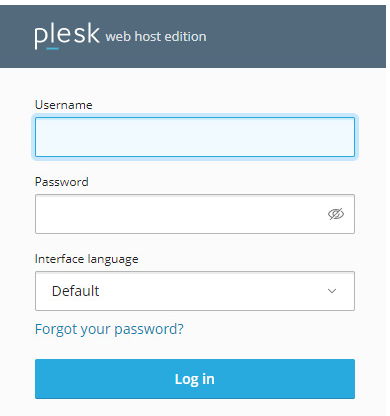
1. Access your Plesk control panel.
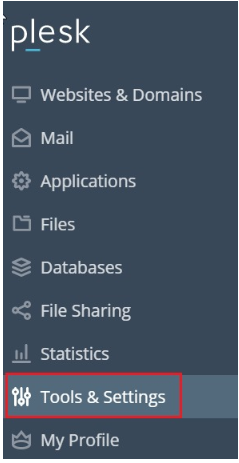
2. On the left corner, you should see the ‘Tools and Settings’ option. Click it.
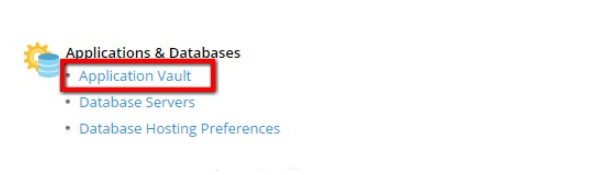
3. You will see a new window, from here, you can click on the ‘Application Vault’.
4. You will see all of the applications installed on your reseller account here.
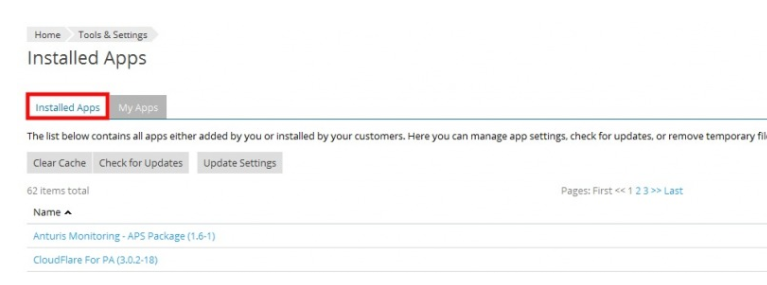
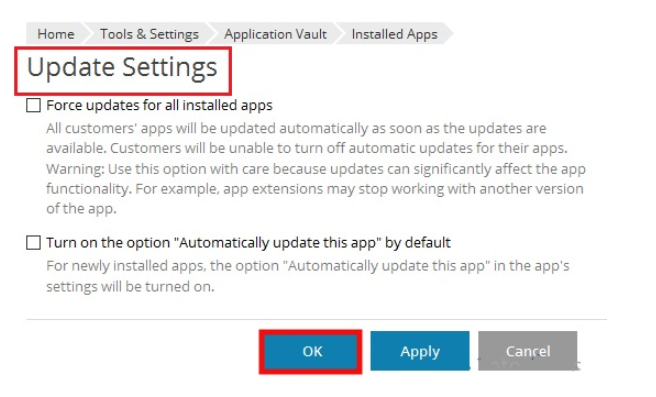
5. If you go to update settings, you can choose how your apps update. You can choose to update all your apps or choose certain apps to update automatically. After you make your selections, click okay.
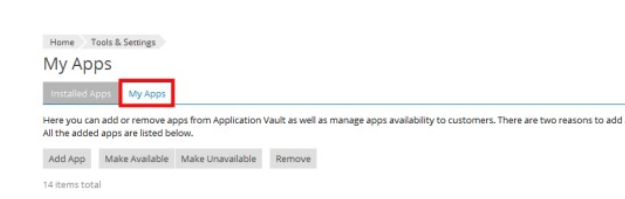
6. When you press My Apps button, you can see all the apps you’ve installed. You can also remove or add apps.
Conclusion
The Application Vault is an example of a powerful supervision tool that streamlines the control of multiple client environments. Simply put, managing your installed apps allows you to help customers manage the software they run so it’s updated and secure. You can manage the software version and control the resources used by your reseller subscription. You no longer have to log into each of the individual client panels just to check software versions.
