How to manage a virtual directory in Plesk?
Web admins who need to change directory permissions, modify physical paths, or change specific ASP.NET settings for a subdirectory of a website need to edit a virtual directory in Plesk. Plesk primarily controls the domain of the website, while virtual directories offer the ability to host content in folders that are not sub-folders of your website’s root directory. This is helpful in complex web applications as it offers flexibility.
Logging in to Plesk.
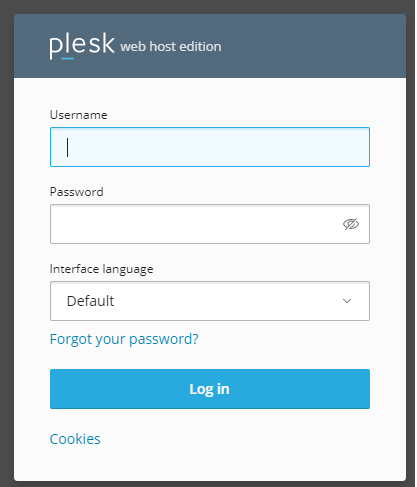
After that, find the domain for which you need to edit the virtual directory, then select the Virtual Directory option.
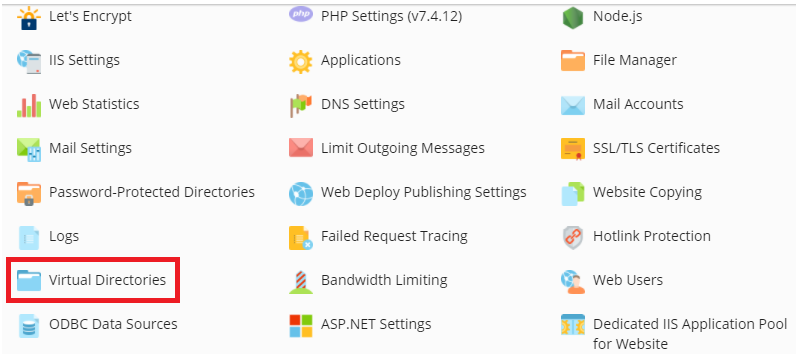
Locate the virtual directory you want to edit, and click the icon adjacent to it.

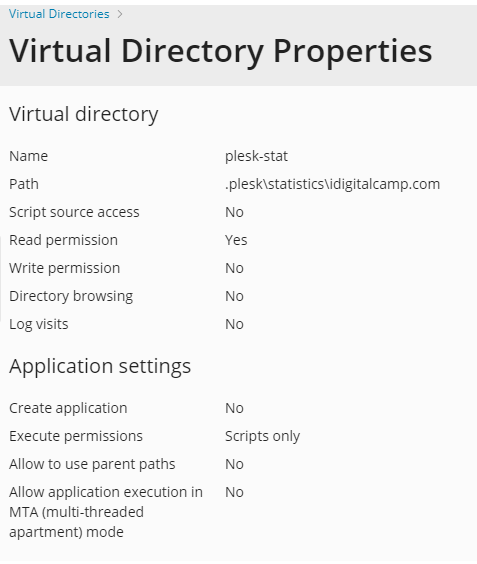
The Virtual Directories Properties page will then appear.
Conclusion
You can now edit the settings of the virtual directory. Working with virtual directories in Plesk is crucial to keeping the web environment secure and performing well. If you need to change a path for a new deployment or improve security permissions, the Virtual Directories Tool gives you a way to manage these settings, without having to edit server-level configuration files. Always remember to check that your site functions properly after making changes to see that the permissions haven’t accidentally stopped necessary scripts or assets from running.
