How To Make Hidden File Visible From cPanel File Manager?
To view hidden files in cPanel, first of all you need to login into your cPanel by using the credentials like password and username. This username and password will be provided by your hosting vendor. In this article we explore how to make hidden files visible from cPanel file manager.
What is a Hidden File on cPanel?
Whenever you check the files of your site, you can find that some of the important files are hidden and not visible in the file list. These hidden files are primarily used to prevent the deletion of important data.
Hidden files in the cPanel File Manager are used to store configuration files and system files where you do not use it most often. But, there could be times when you need to access these hidden files, such as the .htaccess file.
Steps to view your cPanel Hidden File
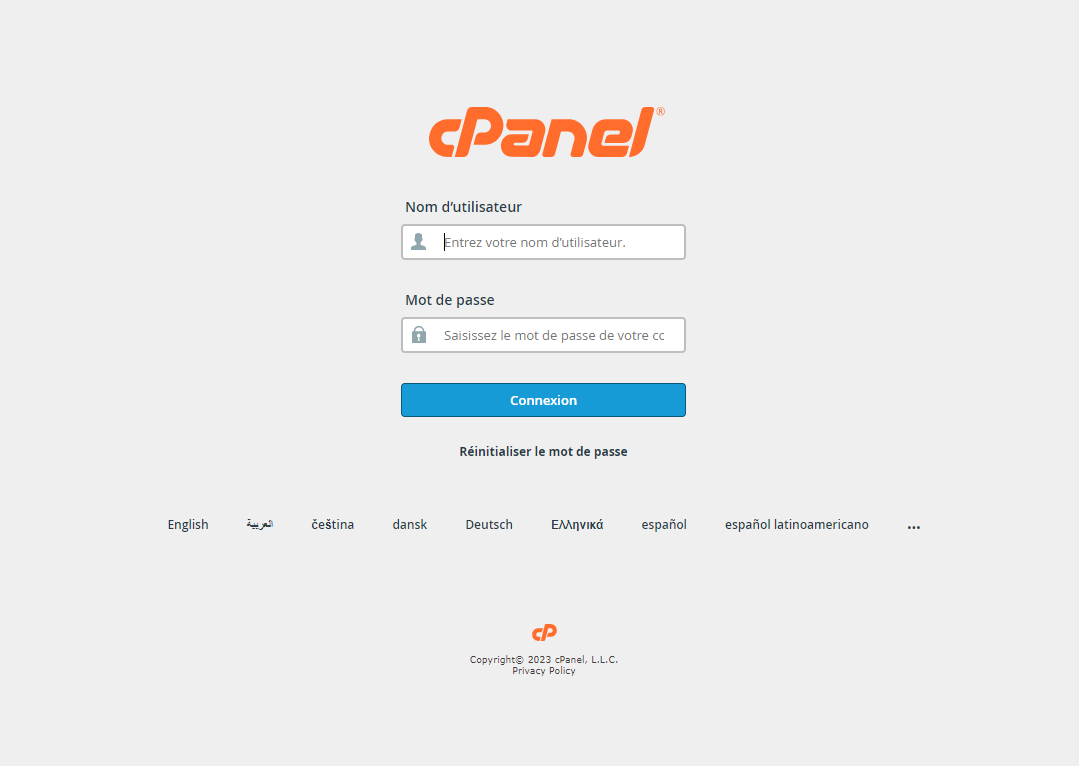
Here is an example of what a cPanel login page looks like.
- Enter your cPanel password and username which is given by your hosting provider. Now click on the login to go to the dashboard.
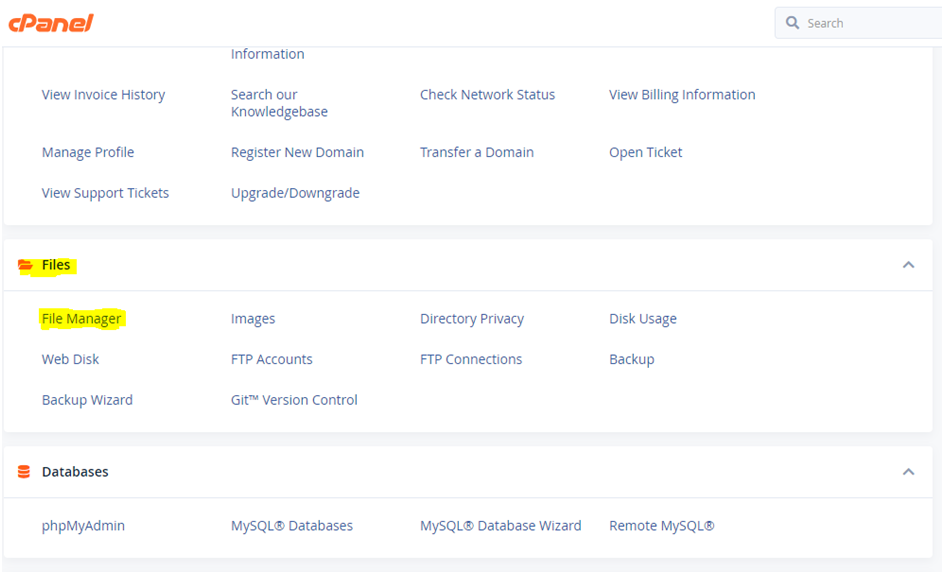
- Once login is done, scroll down and open the file manager.
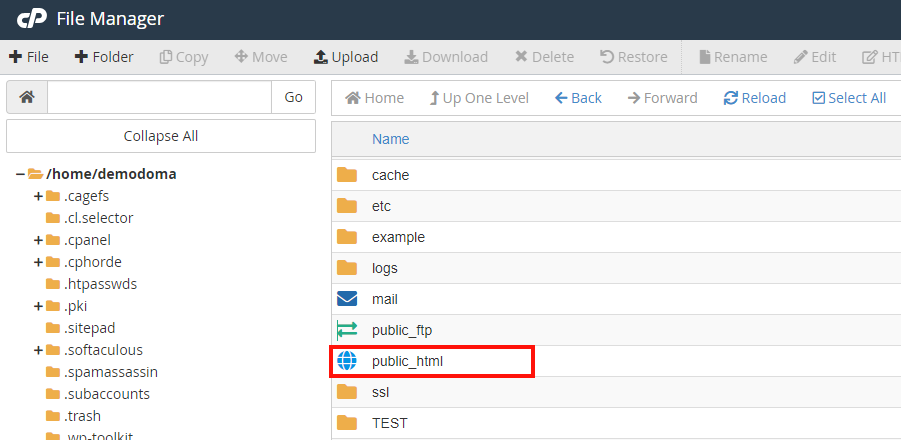
- After the file manager is opened, on the left side you will find the public_html folder, click on folder to see the files inside folder. Search if you have a .htaccess file visible.
- If .htaccess is not visible
- On the same page, at the top right corner, click on the setting button.
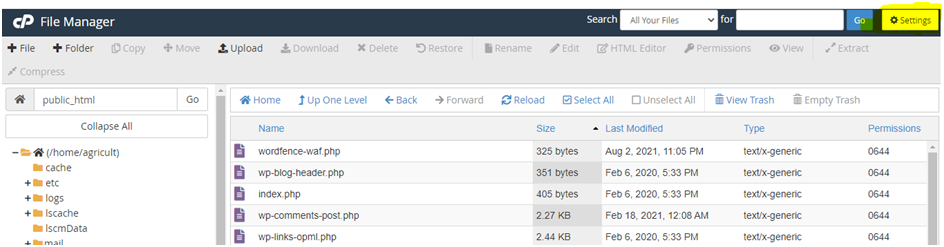
- After selecting, on the setting button one pop up will come. Please tick the check to show hidden files and then press the save to save these changes.
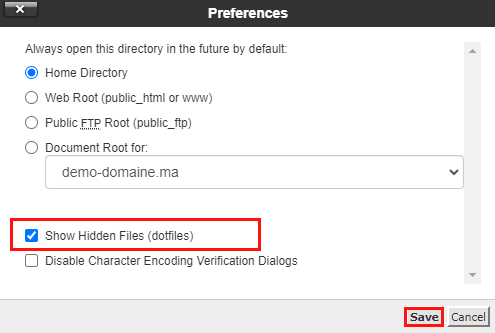
- Once this is done, you will now be able to see .htaccess file in your public_html folder

Conclusion
Now, you can navigate and access the hidden files like regular files. This is very useful if you need to modify or configure system files, view the .htaccess file, or perform other tasks involving hidden files. Do not forget to uncheck the “show hidden files” option once you are done to keep the file manager clean.
