How To Install osCommerce On Plesk?
The process of opening an online store should not be cumbersome. The powerful osCommerce shopping cart, when integrated with the user friendly Plesk control panel, would enable you to start up your e-commerce platform within minutes. This tutorial will take you through the basic search and click installation process in the Plesk interface.
OsCommerce shopping cart platform is easy to upload on Plesk. The installation of osCommerce steps are as follows:
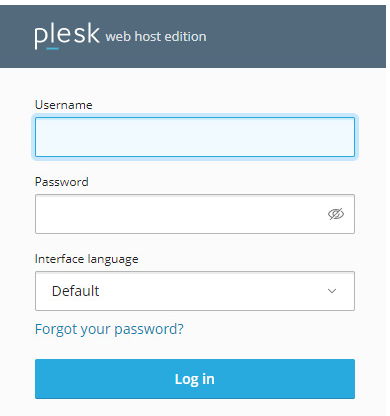
Login to Plesk
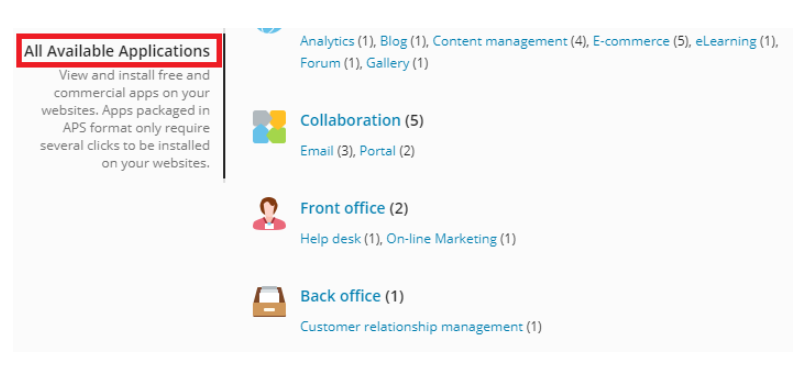
Click on the application tab, which is located on the left side.

There are applications that are wide. Here you can install the application of your choice. Select the option of -All Available Applications.
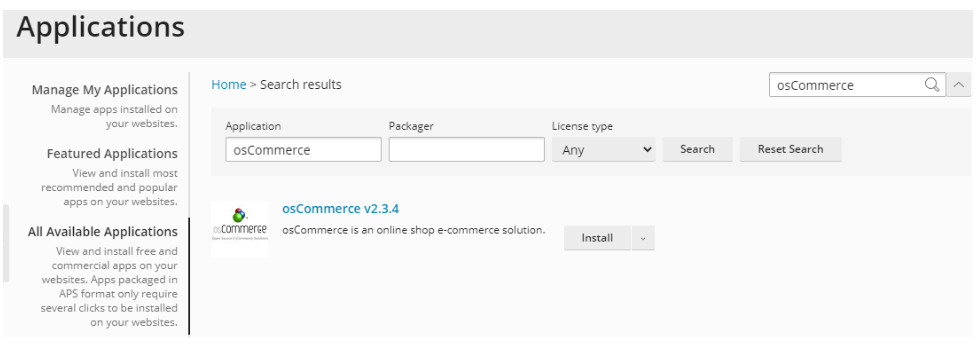
Enter osCommerce in the search window and press search.
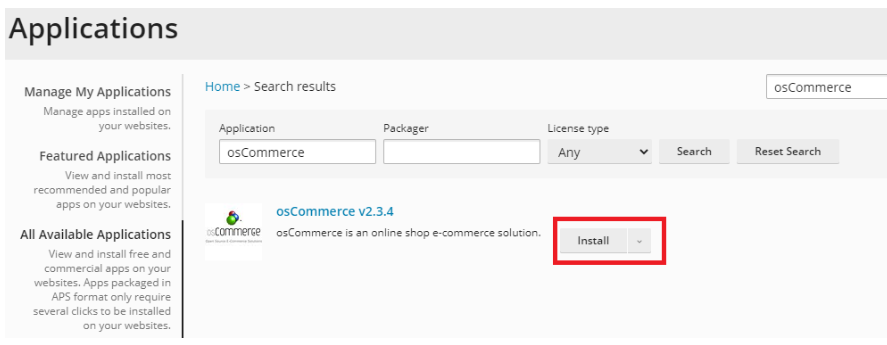
To install osCommerce, press install.
The process of installation will be displayed on the following page, and then you will see it as 100 percent complete once the process of installation is complete.
Conclusion
And that’s all it takes! As soon as the progress bar reaches 100, your osCommerce store is configured. Here, you will have access to the admin dashboard and begin adding products and customizing the appearance of your site. Plesk does the technical heavy lifting, you can concentrate on what is important, expanding your business.
