How To Create A cPanel Package In WHM?
Being a web hosting client, you can buy any of the packages VPS hosting, dedicated hosting, and reseller hosting. In case you have created your own web hosting company and you would like to create a new cPanel package using WHM, this can be easily done.
The procedures of establishing a cPanel account in WHM are as under:
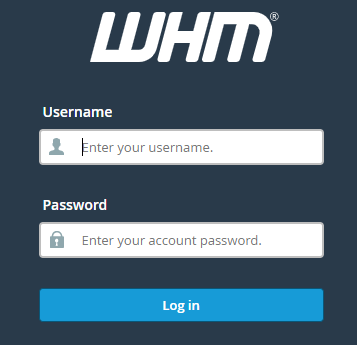
Log in to WHM.
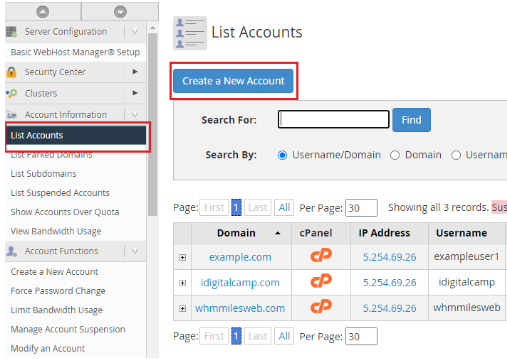
In the left-hand menu, one has to choose the option of List Accounts, and in this section, one has to choose to create a New Account.
You are then asked to fill the required information on the next page.
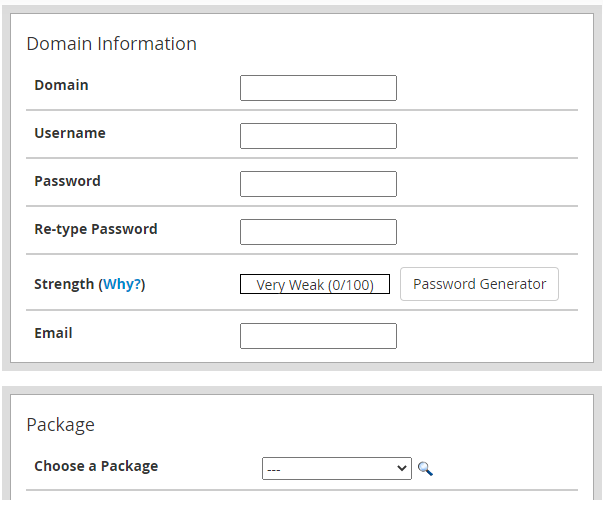
Select the main domain name of cPanel account.
Type desired username and password.
Insert the relevant email address.
Package
WHM gives you an opportunity to make a package that will help you manage cPanel accounts. This section provides options of the packages to choose.
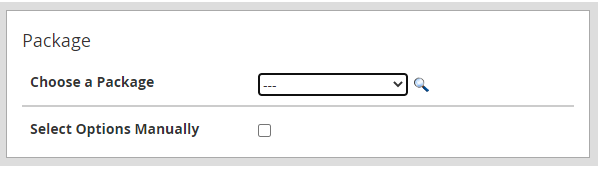
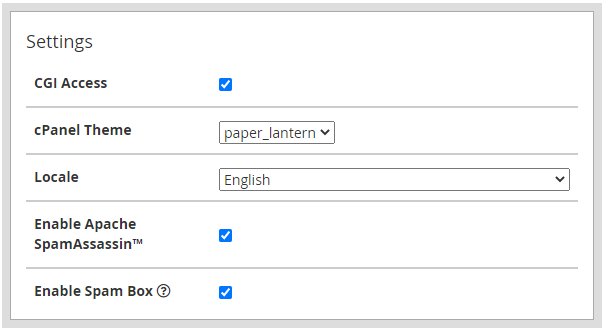
During this stage, you have to choose the theme that will be used on the cPanel account and also decide on the language that will be used by the user.
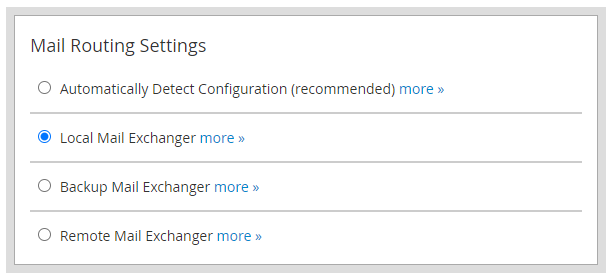
Mail Routing Settings
Choose the kind of mail server you would wish to set this account, or you may use the option of the recommended configuration- which is 0 Automatically Determine the Configuration.
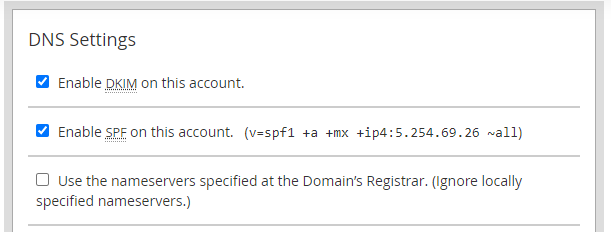
DNS Settings
The nameservers of the domain can be configured on the server to your choice. In case the nameservers of the domain name are in another server, you should select the option as Use nameservers specified at the domain registrar.
After all necessary information is filled in, click on create and the cPanel package will have been created.
