How to Change the MX Record Priority in Plesk
Quick Answer box
To change the priority of your MX record in Plesk, please follow this instruction:
Proceed to Websites & Domains > select the desired domain > DNS Settings > highlight the needed MX record > click on the record name > update the value of Mail server priority > click OK > Apply.
Introduction
The process of email delivery is controlled by DNS settings. More specifically, the MX record priority specifies the order in which servers are used to route emails to your domain. The lower the number, the higher the priority. Therefore, if you have multiple mail servers, or you want to designate a primary and secondary server for email reception, you need to know how to change MX record priority. Luckily, the task is quite easy in Plesk. We will show you exactly how to edit MX record priority in Plesk DNS Settings below.
Steps to Change the MX Record Priority in Plesk
For other Plesk accounts, follow these instructions:
- Log in to your Plesk account.
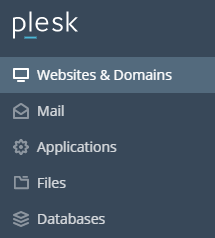
- Click on Websites & Domains in the left-hand panel.
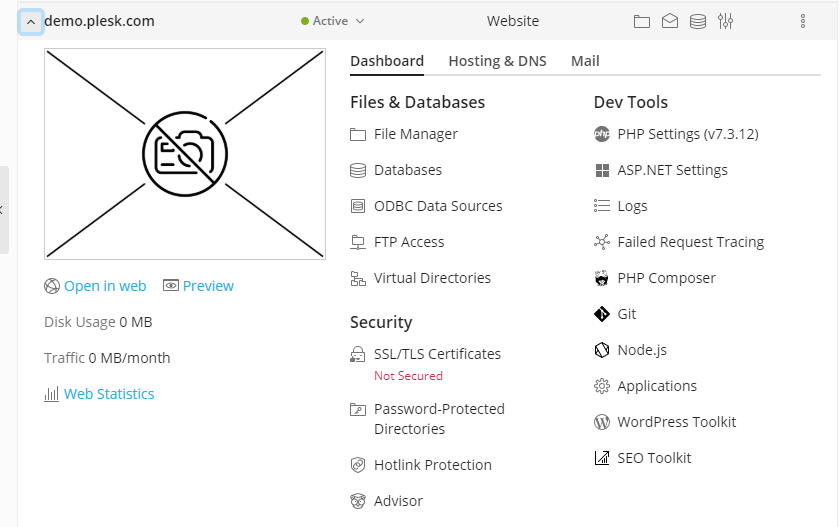
- In the main screen, click on and expand the section for the domain whose MX record you wish to change.
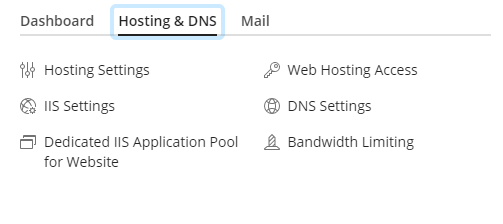
- Then click on the Hosting & DNS tab in the menu.
- Under Hosting & DNS, click on DNS Settings.
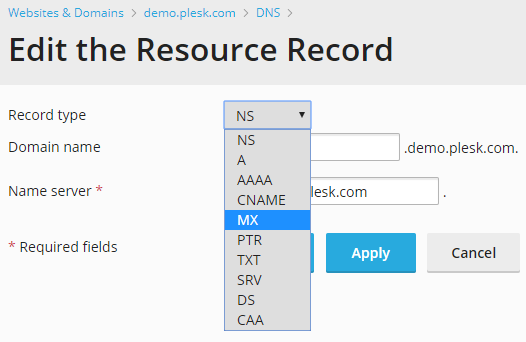
- Under DNS Settings you will see a list of your records. Click on the record you wish to change. The Edit the Resource Record screen will then open.
- On the Edit the Resource Record page, click on the Record Type dropdown box and select the MX option.
- A new set of fields will now appear. Enter the details of your mail server (e.g. mail.example.com) in the Name Server field.
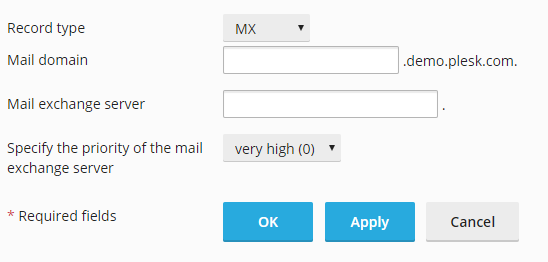
- Click on the dropdown box at the side of Specify the priority of the mail exchange server. Select the priority you wish. These range from 50 (lowest priority) to 0 (highest priority).
- Finally, click on OK to save your changes.
In this manner, you can change the MX record priority in Plesk. You are welcome to contact our support team anytime.
Conclusion
Altering the priority of an MX record is a simple procedure once a person knows where to look. The modification is made inside the DNS Settings interface by changing the desired record’s priority value. One needs to remember that the lower the numerical value is, the higher the priority is. After the changes have been saved, it can take up to several hours for the modifications to take effect. By following these steps, one can ensure that the email server is correctly maintained and that the emails are distributed properly without being blocked by accident.
