How to Access cPanel?
cPanel is one of the widely used and popular control panels. It provides a friendly interface that is simple to understand even to the new users.
To Access cPanel
Web hosting companies automatically send their customers an e-mail in which they inform them of their presence in terms of web hosting service. As an example, MilesWeb will e-mail you an e-mail which will be named as Web Hosting Activated and delivered to a registered e-mail address.
Search for and open the e‑mail.
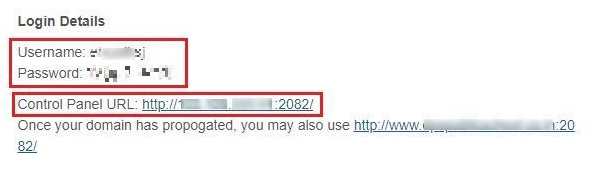
The e-mail includes details about your hosting account, description of your log-in account, server description, etc. Go to the bottom of the e-mail page in the section entitled Login Details and you will see:
• Username — This is the cPanel account username.
• Password – this is your account password in cPanel.
• Control Panel URL – You can also access your cPanel account by clicking this link. This connection is usually terminated by a four-figure number like:2082/-.
Remark: The URL link may be opened in another tab or window and saved in the bookmarks.
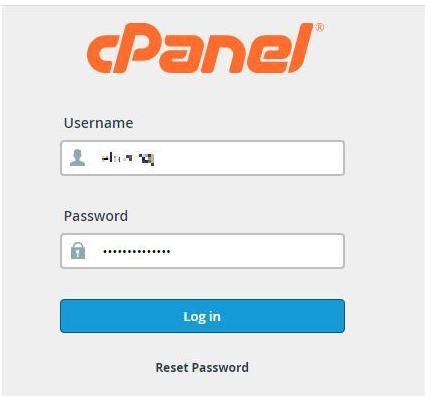
Log in using cPanel account information that you received in your e-mail and press on the Log In button.
Your cPanel account dashboard will open. We have a free trial of cPanel hosting that you can use at no charge.
