How to Enable the Remote Domains To Resolve The Addon Domain Error On WHM/cPanel?
Users can make parked domains, aliases, and addon domains using remote domain resolution of other servers. This feature is disabled by default. Therefore, there are opportunities to have problems with adding addon domains into the cPanel of any WHM interface of a VPS or dedicated server.
The error message presented is the following one- “Sorry the domain is already pointed to an IP address which does not appear to use DNS servers that are related to the server.
The following will be presented as what the errors are:
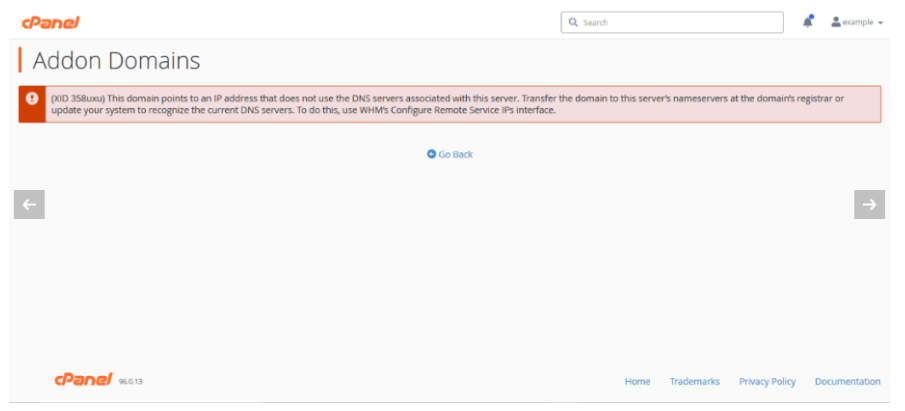
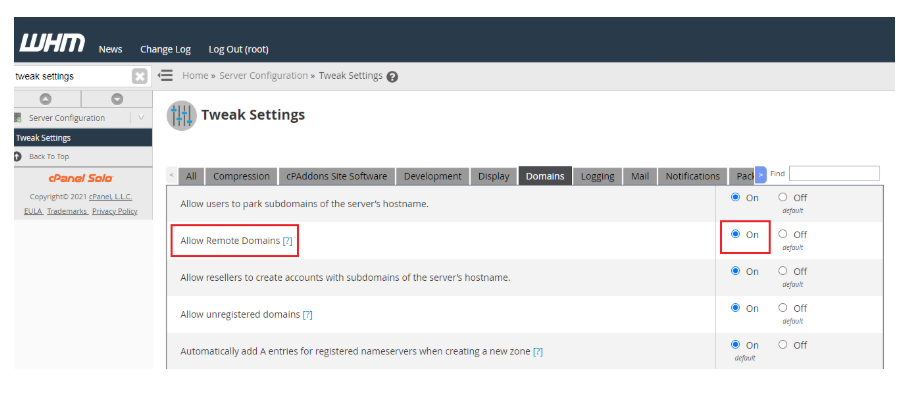
This issue can be addressed by checking the Remote Domains feature on the WHM Tweak Settings page. To achieve this, you need to follow the following steps:
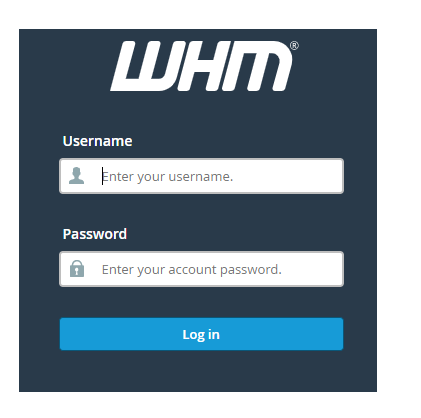
Log-in to the WHM of your VPS or dedicated server.
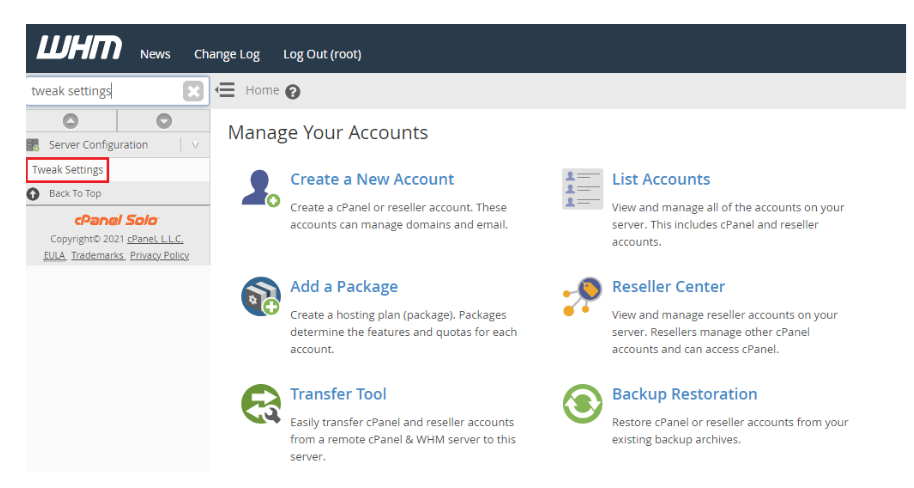
Enter Tweak Settings in the search box at the left side. On the option, click on it when it comes up.
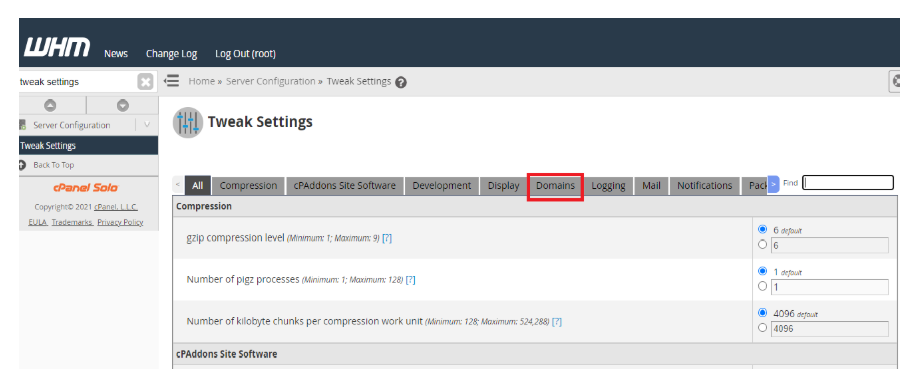
Go to Domains on the Tweak Settings page.
Find the option of Allow Remote Domains and make it on.
Click on ‘Save’.
Lastly, take a copy of your IP address of your server and update the A record on the DNS management page in your domain, or any other domain name that you want to use on that server.
