Introduction
Every website or application depends on a server. Every email you send passes through a server. These machines work behind the scenes every single day. They make the internet function for billions of users worldwide.
What is a Server?
You must get a general idea of this machine first. It is not a common computer. It performs specific tasks for other devices on a network.
Server Definition
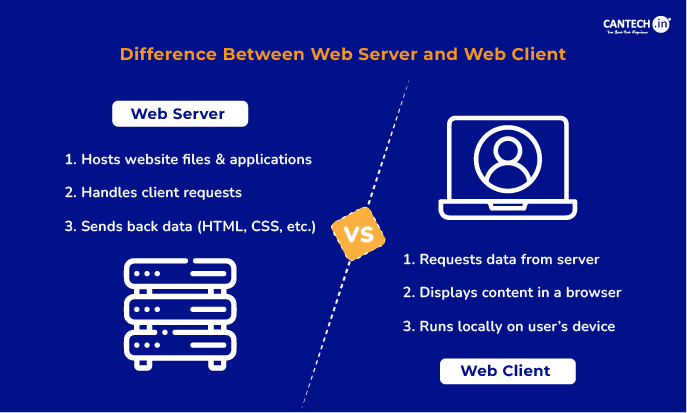
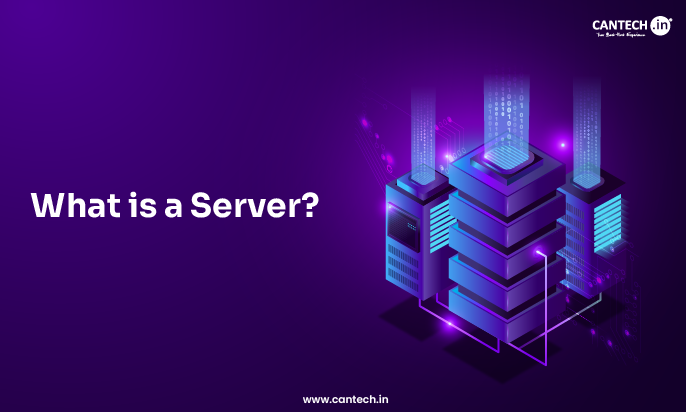
A server is a powerful computer that provides data to other computers. These other computers are referred to as clients. Further, it also manages network resources and operates on a nonstop basis. It can handle numerous user requests simultaneously and is equipped with specialized hardware to perform better.
How Servers Work?
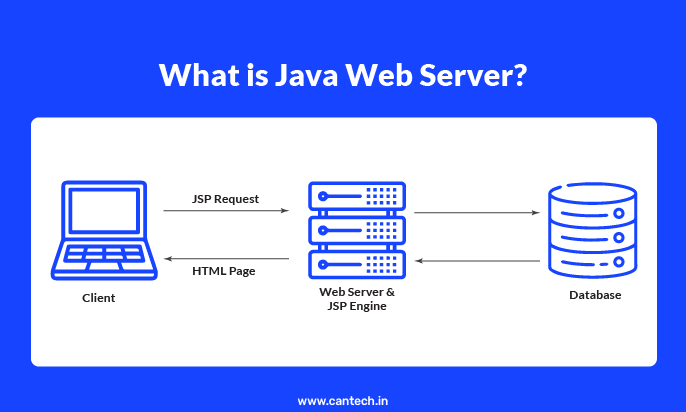
The process starts when a client makes a request that is sent over the network to the server. It reacts through its internal software by searching its storage to locate the required data and sending it to the client. This communication takes place within milliseconds. The server has certain guidelines for maintaining the accuracy of data.
Advantages and Disadvantages of Server
Servers have numerous advantages, yet they also have a few drawbacks.
Advantages of Server
- Data stored centrally can be accessed by a number of users.
- You get high levels of security for sensitive data.
- There are regular backups automatically.
- They handle intensive workloads effectively.
- Servers improve collaboration among team members.
- Websites remain online consistently.
Disadvantages of Server
- Servers can be expensive, as they require a high initial investment and consume a large amount of electricity.
- They generate heat and require advanced cooling systems.
- They require regular maintenance by experts.
- There is a risk of failure that will bring the entire network down.
- You need specialised physical space in a building and advanced infrastructure.
What are the different types of servers?
Each type of server is used for a particular purpose and needs to be configured differently.
• Web Server
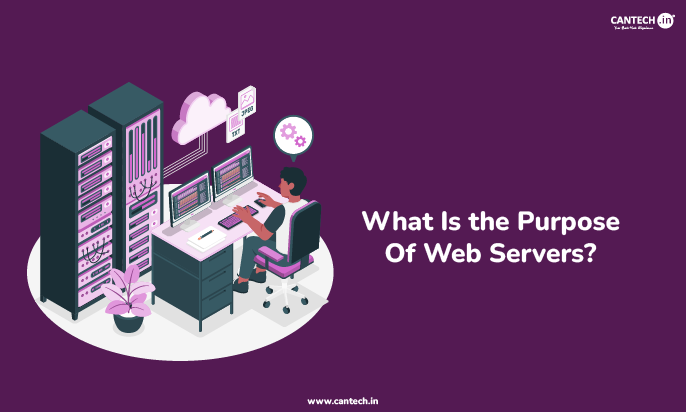
A web server stores website files and delivers them to browsers. It uses protocols like HTTP to communicate with your computer.
• File Server
Shares files and allows users to save and access documents.
• Email Server
An email server handles electronic messages. It sends and receives emails across networks.
• Database Server
Processes structured data, and users can query and modify information.
• Game Server
A game server hosts multiplayer video games. It synchronizes actions between different players.
• Proxy Server
A proxy server acts as an intermediary between a client and another server.
• DNS server
A DNS server translates domain names into IP addresses to enable computers to locate websites.
• GPU server
A GPU server uses graphics processing units. It handles complex mathematical calculations.
• Cloud server
Operates within a virtual environment and provides resources via the internet.
• Application server
An application server hosts software programs. It provides the environment for apps to run.
• Print Server
Manages the printing activity and links several computers to a single printer.
Explore the different types of web server in a detailed guide blog.
Types of Server Hardware
Hardware can be of any shape and size. You need to select according to the needs of an organization.
1. Rack servers
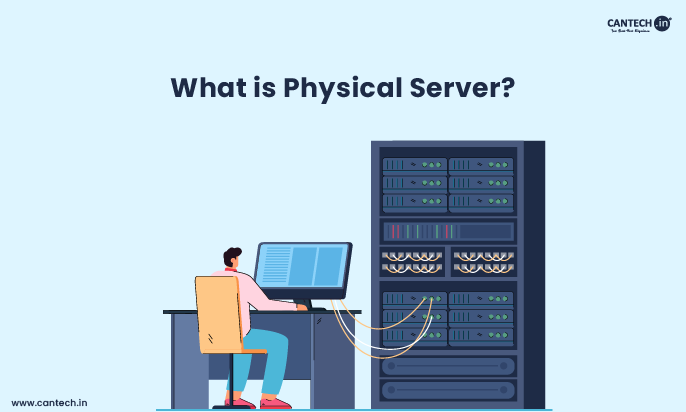
Rack servers fit into standardized metal frames. They save space in large data centers. Hardware is simple to expand and maintain. They provide efficient cable management.
2. Mainframe servers
Mainframe servers are massive computing machines capable of handling millions of transactions every second. They provide high reliability and power to do important, large corporate activities.
3. Blade servers
Blade servers are thin electronic boards that slide into a single chassis. They share power supplies and cooling fans. They offer high density in small spaces.
Types of Server Software
Software defines the specific role of the server hardware. It manages the hardware resources for the users.
1. Web servers
Web server software processes incoming requests for web pages. Apache and Nginx are good alternatives that can handle HTTP requests from browsers.
2. Database servers
Database software organizes and retrieves information from storage drives. MySQL and Microsoft SQL Server are powerful choices. These programs organize and secure large data sets.
3. Application servers
Application server software runs the code for complex digital services. It sits between the web server and the database. It performs the “thinking” part of a software program. Java EE is a platform for application servers. GlassFish is a specific software example. These tools support the logic of web applications.
4. Game servers
Minecraft uses dedicated server software. Valve provides software for Steam games. These programs manage player connections, the rules of a multiplayer game, and game physics. It prevents cheating by verifying every move on the server side.
Server Components
A server consists of several essential parts that work together to provide services.
Hardware
- The CPU acts as the brain of the server.
- The RAM provides temporary memory for active tasks.
- The motherboard connects all the internal parts.
Software
The operating system manages the server hardware. Windows Server is a common operating system. Also, Linux is a very popular choice for servers.
Storage drives
Hard disk drives store large amounts of data. Solid-state drives offer faster data access. Most servers have multiple drives for data safety.
Network
A network interface card connects the server to the Internet. Routers direct the traffic to the correct destination. Cables provide the physical path for data.
Conclusion
The digital world depends on servers. They store our images and run our apps. They connect individuals all over the world. Understanding servers will assist us in knowing how the internet functions. Technology continues to make servers faster and more efficient.
FAQs
What is the meaning of server?
The word server refers to a provider of services. It serves data to other computers on request. It is a central hub for network activities.
What is the role of a server?
A server manages network resources for clients. It stores data in a central location. It runs programs for multiple users at once.
Where are servers located?
Companies keep servers in specialized rooms called data centers. These rooms have controlled temperatures and high security. Some small businesses keep servers in an office closet. Cloud servers exist in massive facilities all around the world.