How To Assign Feature List From WHM To cPanel?
Feature Lists in WHM (Web Host Manager) are an essential aspect of hosting server management because they allow a server owner or reseller to narrowly define which features and options can be used in the cPanel account. The process is not a one-to-one (unlike assigning it directly) you assign the Feature List to a Package and then assign that package to an account. This structuring will also make the management between each level easier and can also be used to standardize layers on different hosting or customer levels.
How to assign a feature list to package?
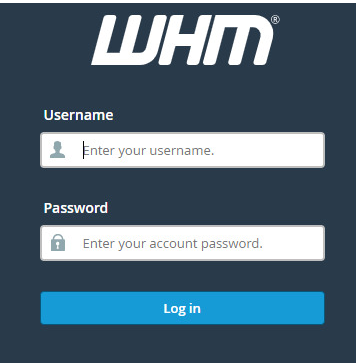
Login to WHM.
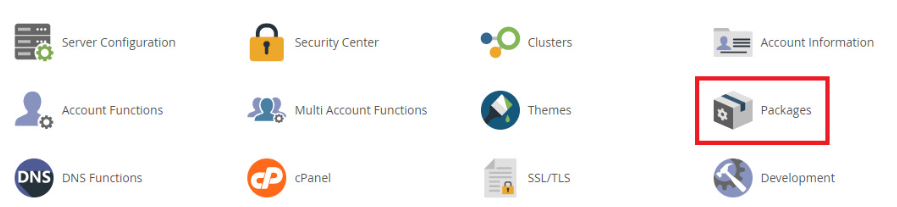
Go to the ‘Packages’ folder.
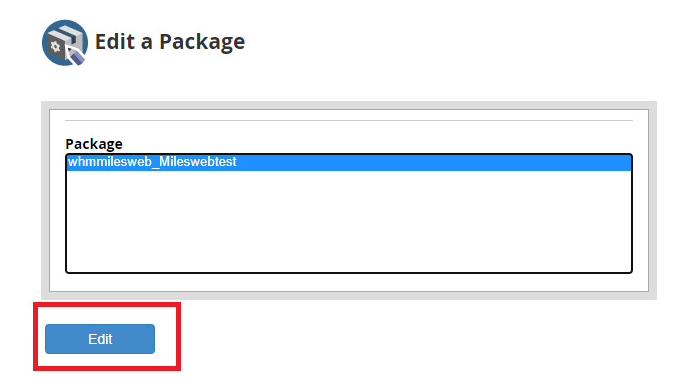
Click on the link for ‘Edit A Package’ located under Packages on the left hand side menu.

Choose the package you would like to edit from the listings and click on ‘Edit’.
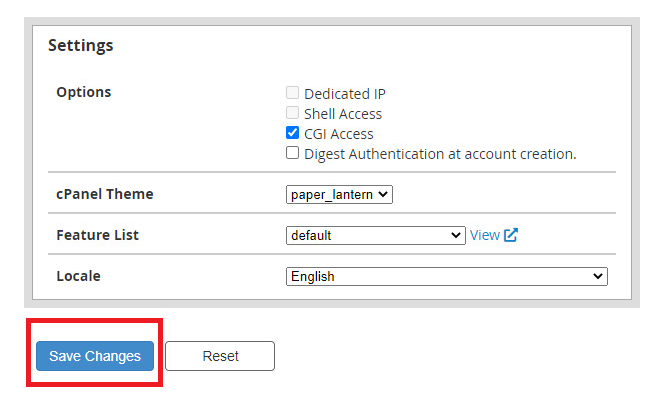
Find the option ‘Feature List’ at the bottom of the page. choose the list of features you want and hit ‘Save Changes’.
Conclusion
Feature Lists in WHM are what you use to control resources and options for cPanel accounts. Using the two-step method (that is, linking a Feature List to a Package rather than directly to the cPanel account), you can effectively control access to features such as databases, email accounts and domain functions. With this approach, each customer just heard the tier-routed features of their service level, resulting in an easy-to-understand and secure hosting environment.
