How to Do Email Routing in cPanel?
Despite the fact that all the hosting servers will execute all emails using their domain, cPanel enables users to receive and send email accounts using email client such as webmail through SMTP/ POP/ IMAP connection protocols. Moreover, cPanel customers have email routing whereby they redirect or route incoming domain emails to another server.
It is a precautionary step that assists in operating email hosting whereby the DNS entries of the domain will automatically mirror what is done in the cPanel. It is a wonderful attribute that serves as a backup server to business email in cases of emergencies such as server breakdowns or failure of servers.
Note: It might be necessary to revise or create new MX records that will route email to a server. You may consult this documentation on how to add an MX record in cPanel, using the DNS Zone Editor.
To Configure Email Routing
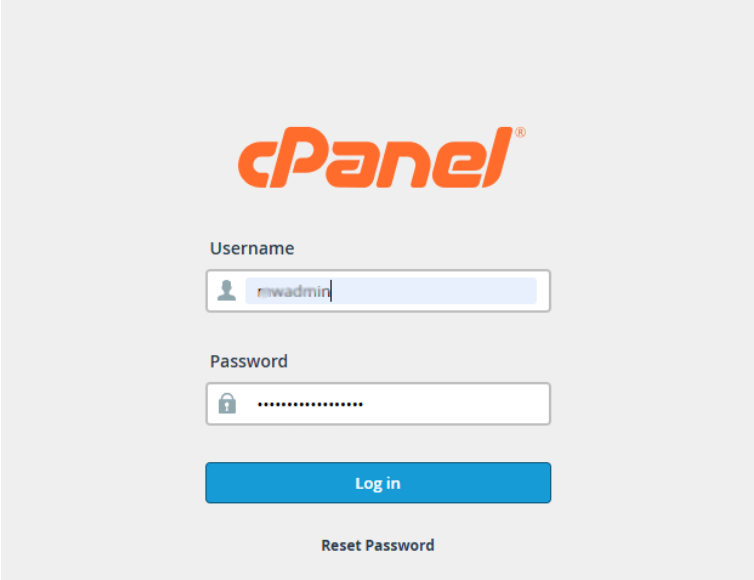
Enter into your cPanel account with your username and password.
Click on EMAIL Routing in EMAIL Section.
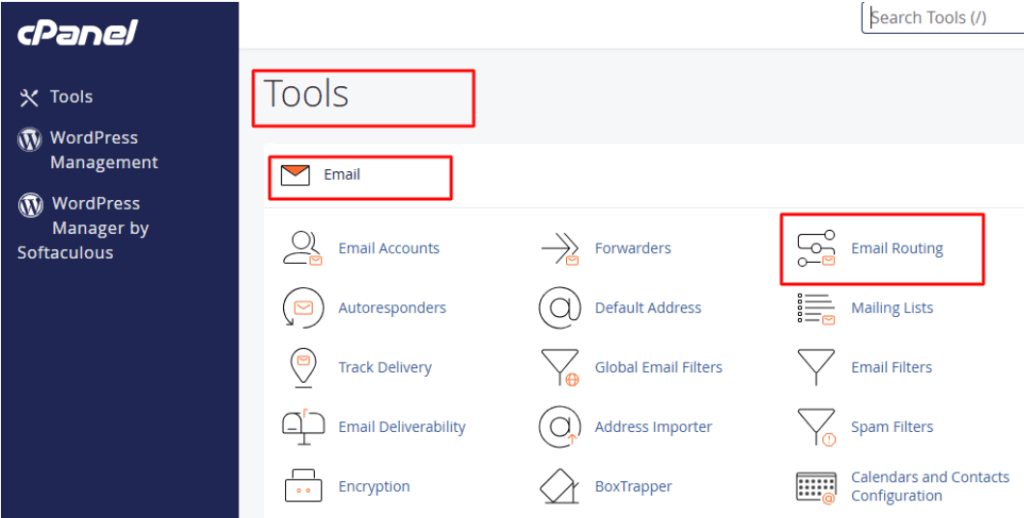
The Email Routing application will be launched.
Next, follow the below steps:
Click on one of the domains on the dropdown list to redirect its incoming mail to a different server.
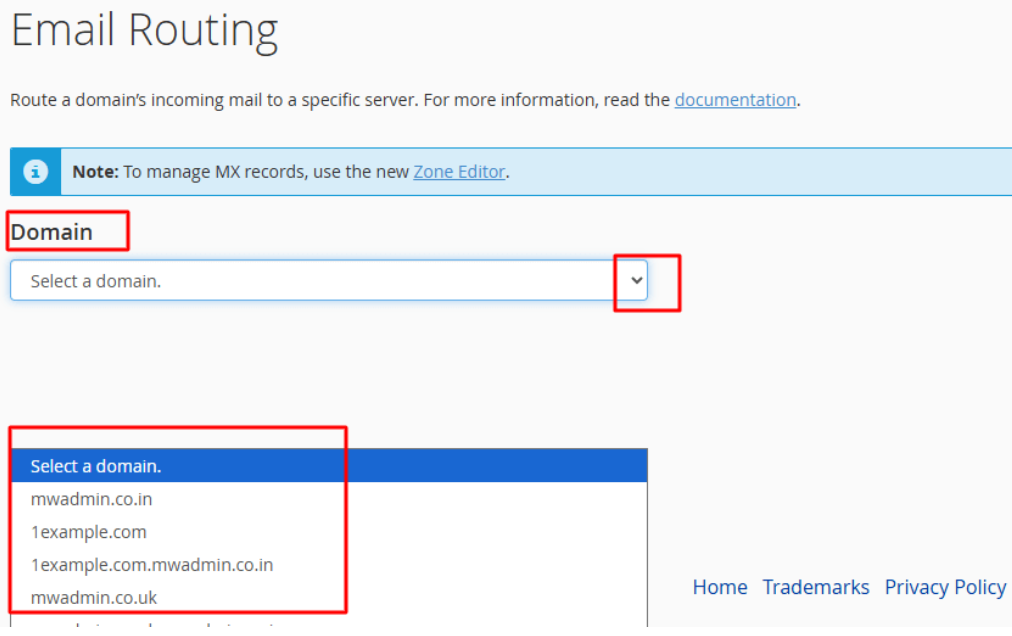
Email Routing Select configuration:
Auto-Detecting setting- Local- This is an advisable setting of email routing. It also takes your MX records priority into account and will automatically choose a setting between local, backup or remote mail exchangers.
Local Mail Exchanger
According to this system, he will take all mails and forward the mail to the local mail box without any discrimination.
Backup Mail Exchanger
In case the main mail exchanger that has a valid MX record is offline, this will enable the server to become a backup exchanger. It is then able to store all the incoming mail till the primary mail exchanger reappears back online.
Remote Mail Exchanger
No mail of this domain will be routed to the server i.e. the server will not accept mail concerning this domain. Rather it will relay all the mails of this domain to the lowest-numbered mail exchanger.
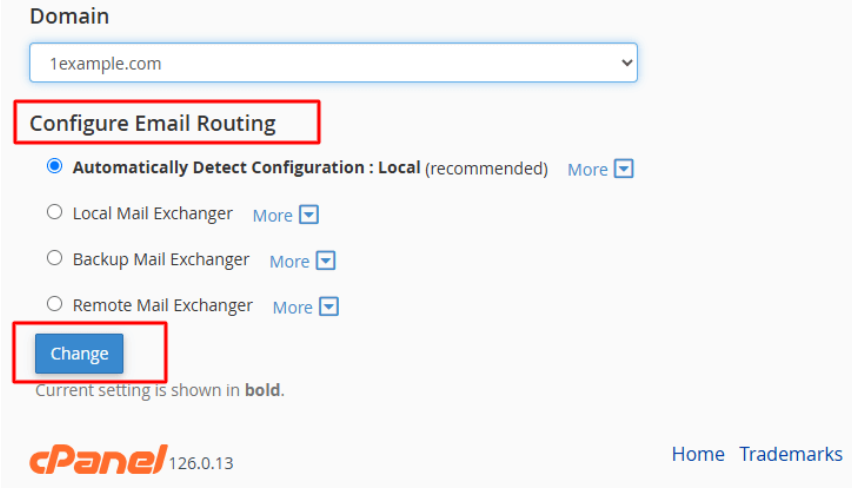
When you select the preferred configuration, you will be able to choose the Change button to store your preference.
Conclusion
This environment must be correct because it will impact the emailing activity of a whole site. In case you lack experience and understanding of email routing and the any cPanel settings, we recommend you to contact the support.
