How to Access a User’s cPanel Account via WHM?
As an administrator, you can assume user accounts to your clients. The cPanel account of any user can be reached by the root access of the WHM panel.
In order to gain Access to a User cPanel Account.
Log in to you root account of WHM.
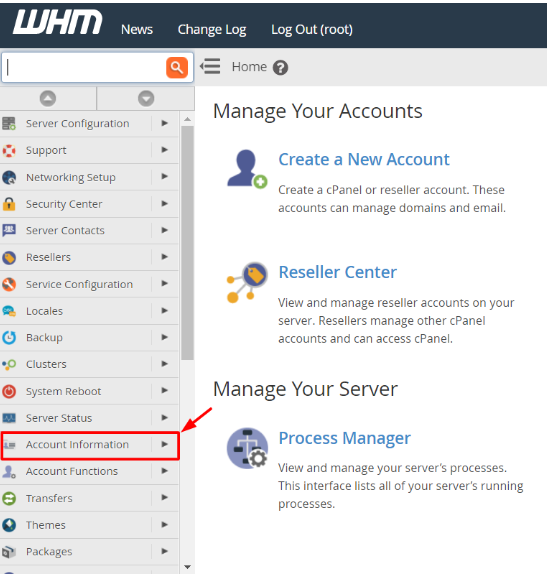
Choose the Account Information choice under the navigation menu.
Click on List Accounts.
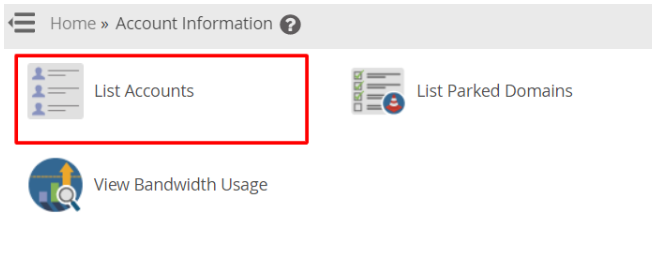
The number of all existing cPanel user accounts will appear in a list.
Access to user account then click cPanel icon before the user account.
The user account cPanel will open, which is customizable at will.
This process will help you to open/access any cPanel account on your WHM root.

